pctechguide.com

  • Home
  • Guides
  • Tutorials
  • Articles
  • Reviews
  • Glossary
  • Contact

Migo Digital Rescue Premium Review

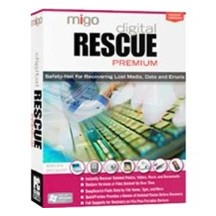
Migo Digital Rescue 4 Premium

I wasn’t overly impressed with Migo Digital Rescue 4 Premium, mainly because I thought they could have added more to this product. All it really does is help to recover deleted files on drives and memory devices. While it works well with that, it won’t help you recover partitions or drives that are formatted.

» Purchase Migo Digital Rescue 4 Premium Here (Not Recommended)

Program: DT Utilities Migo Digital Rescue 4 Premium

Company: DT Utilities

Supported OS: WiIndows 2000, XP, Vista

Price: $49.99 USD

Overall Rating: 2 out of 10

What It Does:

Migo Digital Rescue 4 Premium will help you recover files you accidentally deleted on your hard drive and memory devices. It will not recover formatted disc drives or any partitions. If all you need it for is deleted files, you should be fine.

Installation:

Installation was easy and didn’t take much time at all.

Details:

After installing this product, you will have the option to either enter your license key, or click on the “Activate Later” button. Doing the latter will start your trial version.
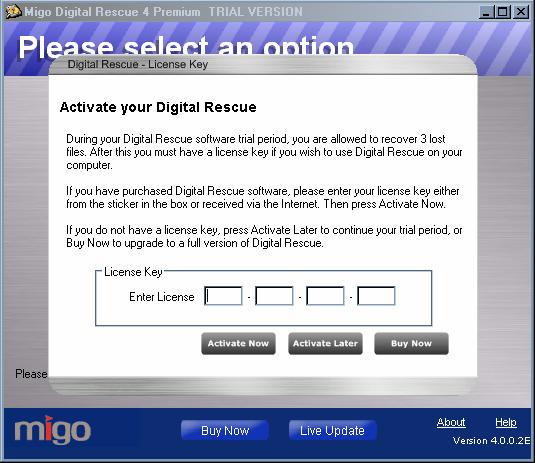
You can then choose which drives you want scanned. Since the program stated that it recovered deleted programs, I tried unsuccessfully to scan a drive with a deleted partition. This did not work.
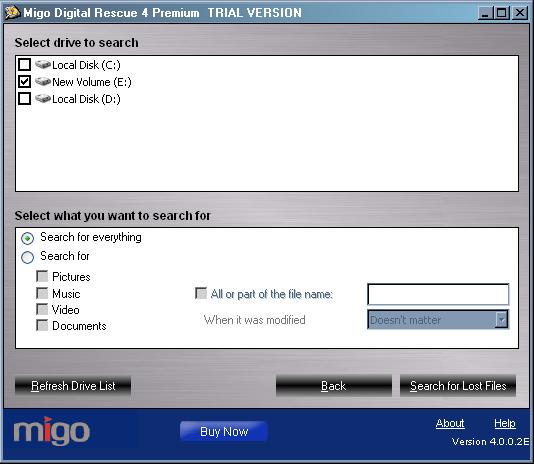
I didn’t get anything using the “Search For Everything option, so I selected all the options under it and tried again.
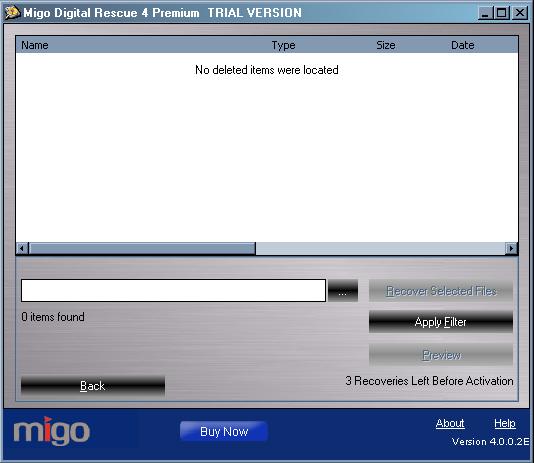
Nothing showed up, which wasn’t really a surprise after I looked up what this product did online. I was expecting something it couldn’t deliver.
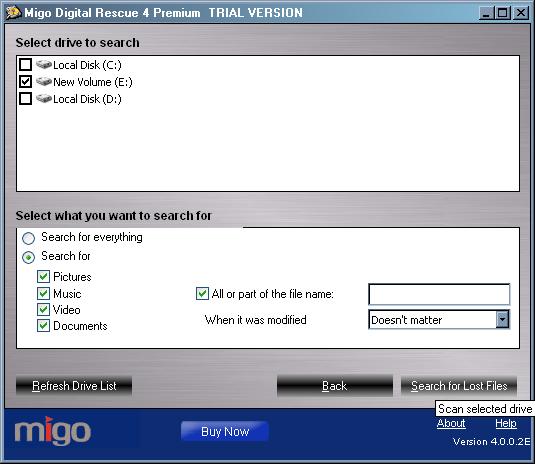
I went through the process again and this time I only used a drive that had some deleted files in it.
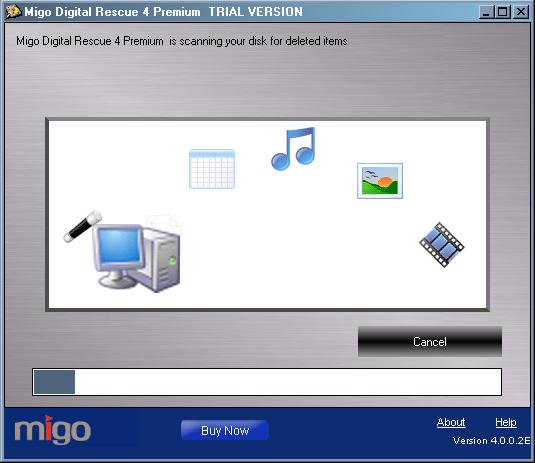
It took about 25 minutes, and below are the results:
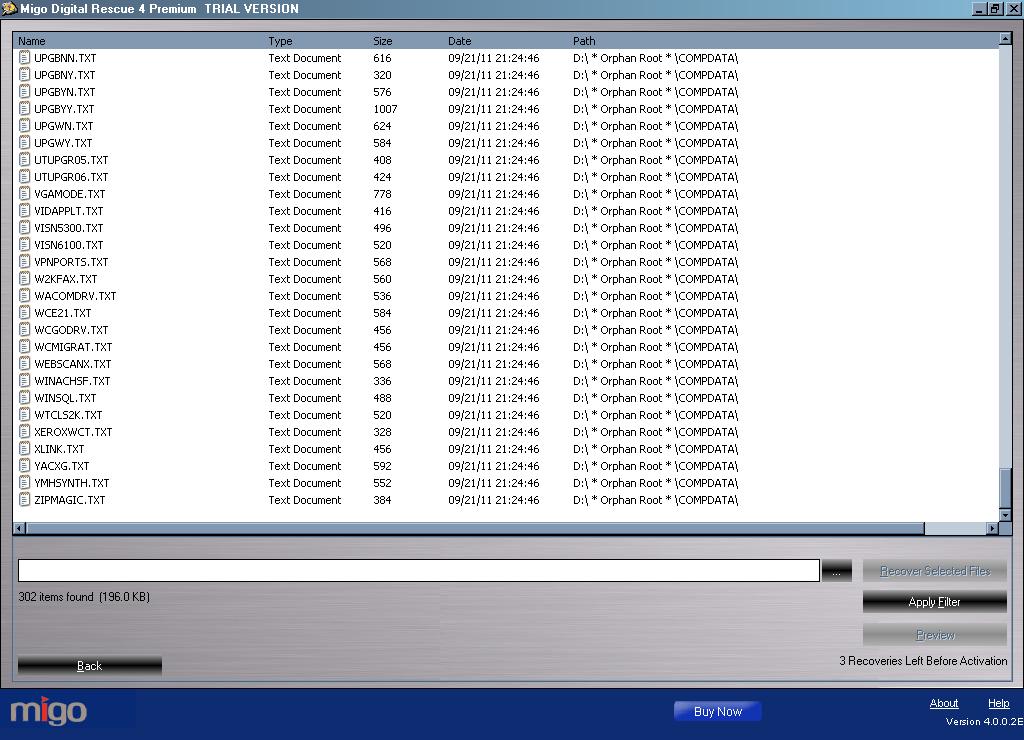
I went through the process again with my deleted files drive and was truly disappointed in this software. The only thing this product found was text files. It should have been able to detect more than it did, according to the Digital Rescue 4 Premium advertisements, so I was rather baffled. I really was unimpressed with this product and will not be suggesting it. Now, I only used the trial version, so you may have better luck with the real thing, but I wouldn’t be counting on that fact.

Ease Of Use:

Migo Digital Rescue 4 Premium had an easy to use interface and I had no problems navigating my way through the software.

Summary:

I wouldn’t actually suggest this product to anybody. Yes, it is very easy to use, but it also didn’t do what a product like this one should do. It may have worked better on the real version, but I have a hard time believing that they wouldn’t show you how it really works from the get go.

PROS:

Installs quickly and takes up under 10MB of disk space.

CONS:

The data recover was not impressive at all. Doesn’t offer much for service, especially compared to similar products.

What to Do Now

I strongly suggest purchasing another product. Recover My Files and Remo Recover Pro are very good options to consider.

Filed Under: Data Recovery Tagged With: data recovery, data recovery reviews, migo digital rescue premium, Migo Digital Rescue Premium Review

Latest Articles

Nuances of Bandwidth for Both Webmasters and Internet Users

Online bandwidth is the measurement of the amount of digital information that a medium is capable of processing and transferring. Mediums with higher levels of bandwidth are capable of loading the same amount of information more quickly or more information over the same time interval. This concept … [Read More...]

Testing the External DV Converter

To open Movie Maker, click Start > Programs > Accessories > Windows Movie Maker. Select Capture from video device to launch the Video Capture Wizard. Enter a name for the file you're about to capture and a location where you wish to store it. Select the DV-AVI format … [Read More...]

CD-ROM Digital Audio

On vinyl and audio cassettes, the audio waveform is recorded as an analogue signal. Therefore any imperfections will be heard as noise (hiss) or other defects. To reduce these defects, CDs use digital techniques, storing samples as numbers. … [Read More...]

Comments

  1. Anonymous says

    December 30, 2011 at 7:02 pm

    As our review states. We rated the product a 2 out of 10. I don’t recommend this product either. Recover MY Files is the better choice. That program can do raw data recovery. Not sure were you read that Migo could do raw data recovery as it is not listed as being able to do so.

Top Taplio Alternatives in 2025 : Why MagicPost Leads for LinkedIn Posting ?

LinkedIn has become a strong platform for professionals, creators, and businesses to establish authority, grow networks, and elicit engagement. Simple … [Read More...]

Shocking Cybercrime Statistics for 2025

People all over the world are becoming more concerned about cybercrime than ever. We have recently collected some statistics on this topic and … [Read More...]

Gaming Laptop Security Guide: Protecting Your High-End Hardware Investment in 2025

Since Jacob took over PC Tech Guide, we’ve looked at how tech intersects with personal well-being and digital safety. Gaming laptops are now … [Read More...]

20 Cool Creative Commons Photographs About the Future of AI

AI technology is starting to have a huge impact on our lives. The market value for AI is estimated to have been worth $279.22 billion in 2024 and it … [Read More...]

13 Impressive Stats on the Future of AI

AI technology is starting to become much more important in our everyday lives. Many businesses are using it as well. While he has created a lot of … [Read More...]

Graphic Designers on Reddit Share their Views of AI

There are clearly a lot of positive things about AI. However, it is not a good thing for everyone. One of the things that many people are worried … [Read More...]

Guides

  • Computer Communications
  • Mobile Computing
  • PC Components
  • PC Data Storage
  • PC Input-Output
  • PC Multimedia
  • Processors (CPUs)

Recent Posts

Safe Mode Backup

The boot.ini file is on the system partition at the root of the drive, usually C:boot.ini. By default, it's a hidden system file, so you'll … [Read More...]

Memory Upgrades

In recent times, as well as becoming much cheaper, RAM has also become more complicated. There are currently a proliferation … [Read More...]

CD-ROM Red Book

The Orange Book defines CD-Recordable discs with multisession capability. Part I defines CD-MO (Magneto Optical) … [Read More...]

[footer_backtotop]

Copyright © 2026 About | Privacy | Contact Information | Wrtie For Us | Disclaimer | Copyright License | Authors