pctechguide.com

  • Home
  • Guides
  • Tutorials
  • Articles
  • Reviews
  • Glossary
  • Contact

Hard Disk Maintenance – Error Checking using Windows XP ScanDisk tools

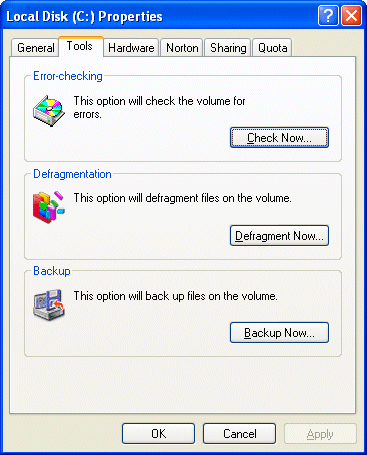
Chkdsk.exe is a utility which verifies the logical integrity of a file system. In the event of the utility encountering logical inconsistencies in file system data, it will perform the necessary actions to repair the file system data. The … [Continue reading]
Filed Under: How to Maintain Your Hard Disk Drive Tagged With: hard disk maintenance, hard drive error checking, hard drive maintenance, windows error checking

Hard Drive Maintenance Clean Up

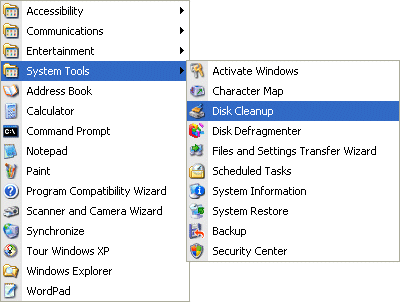
The Disk Cleanup tool helps you free up space on your hard disk by searching your disk for files that you can safely delete. You can choose to delete some or all of: temporary Internet files downloaded program files, such as ActiveX controls … [Continue reading]

Filed Under: How to Maintain Your Hard Disk Drive

WinXP Installation Tuning

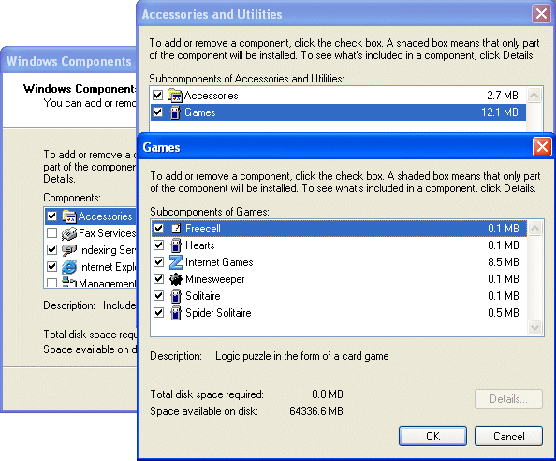
The final task is to fine-tune your Windows installation, especially if you elected to Install the most common components during the course of the installation. You can do this by clicking Start > Settings > Control Panel > Add/Remove … [Continue reading]

Filed Under: How To Do a Clean Installation of WinXP

WinXP Driver Installation

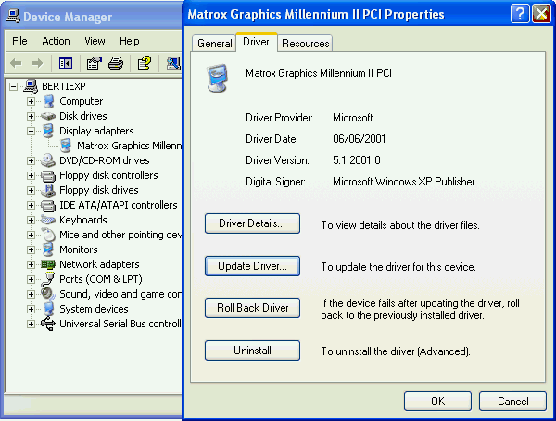
Windows XP Setup will have attempted to load drivers for the hardware it recognised. However, there is no guarantee that the default drivers loaded are the latest available, or - if you're re-building what had previously been an operational system … [Continue reading]

Filed Under: How To Do a Clean Installation of WinXP

WinXP Windows Update

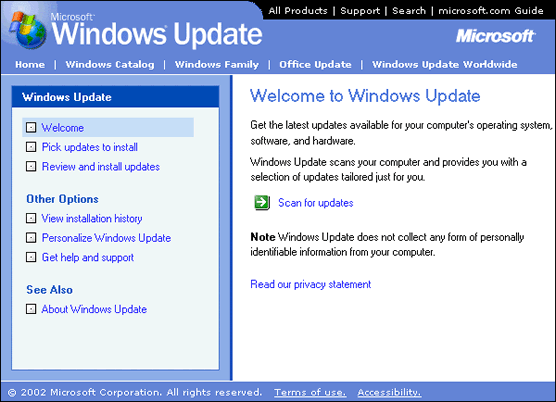
With previous versions of Windows, tracking down system patches and updated drivers was difficult. However, Microsoft streamlined the process in Windows 98 by including Windows Update on the Start menu, effectively providing an online extension … [Continue reading]

Filed Under: How To Do a Clean Installation of WinXP

WinXP Installation Phase 5

In the final phase of Setup, program and system settings are upgraded, settings saved and temporary files are removed. The computer restarts for one last time, and you're presented with the Welcome to Microsoft Windows screen. You’ll be … [Continue reading]

Filed Under: How To Do a Clean Installation of WinXP

WinXP Installation Phase 4

Setup proceeds with the installation of devices and the network, then copies and configures the other files needed to install Windows XP. The Start Menu items are installed and components are registered. The phase includes … [Continue reading]

Filed Under: How To Do a Clean Installation of WinXP

Preparing Installation – How to do a clean installation of Windows XP

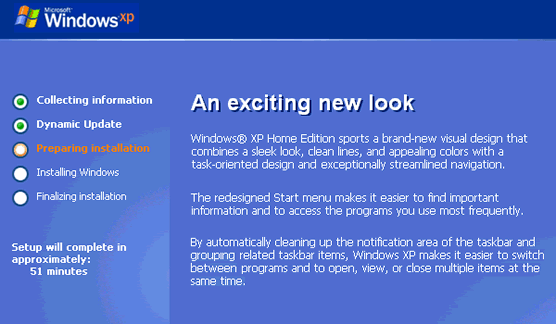
In the Preparing installation phase, more files are copied to your computer in preparation for installation. After a while, the computer restarts with Setup identifying the existing partitions and unpartitioned space on the PC. Partitioning and … [Continue reading]

Filed Under: How To Do a Clean Installation of WinXP Tagged With: disk format options for Windows XP, disk paritions for WinXP, where should I install Windows XP, WinXP format options

Dynamic Update – How to do a clean installation of Windows XP

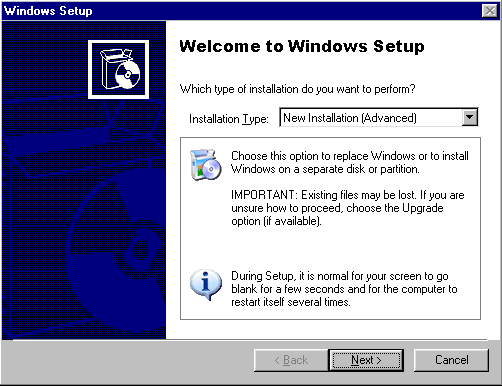
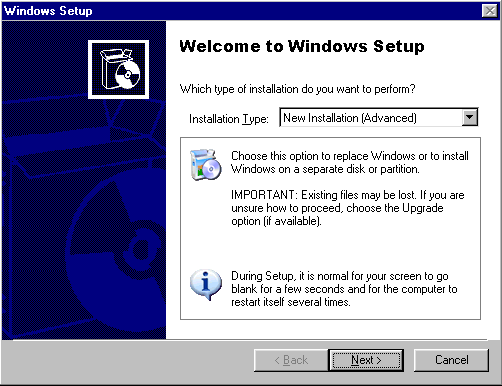
Select New Installation (Advanced) and click Next. Indicate your acceptance and click Next. Setup prompts you to enter the Product Key. Type the Product Key in the spaces provided. The Product Key is located either on the … [Continue reading]

Filed Under: How To Do a Clean Installation of WinXP

How To Do a Clean Installation of Windows XP – Phase 1

Select New Installation (Advanced) and click Next. Indicate your acceptance and click Next. Setup prompts you to enter the Product Key. Type the Product Key in the spaces provided. The Product Key is located either on the … [Continue reading]

Filed Under: How To Do a Clean Installation of WinXP Tagged With: guide to installing WinXP, Windows XP installation, WinXP installation, WinXP installation guide

« Previous Page
Next Page »

Why Internet Bundles Are the Next Battleground for Gamers

A weak internet connection can turn seamless gaming sessions into frustrating experiences filled with lag, buffering or sudden disconnects. For … [Read More...]

Importance of Inbound Marketing in the Digital Age

A couple of months ago, Zacks reported that Hubspot was starting to make some major changes to its inbound marketing strategy. They talk a lot about … [Read More...]

Damage Control Strategies for Resolving Online PR Crises

Last July, Astrologer faced a major crisis after its CEO went viral at a ColdPlay concert when having an affair. This was just one of the many times a … [Read More...]

AI is Not Killing Computer Jobs Like Doomers Projected

There is no denying the reality that AI technology has played a massive role in disrupting our lives. A growing number of people claim that AI … [Read More...]

Everything You Need to Know About Sourcing Circuit Boards From U.S. Suppliers

In This Article This article includes: Why Source PCBs From the United States?How to Get a Quote From a U.S.-Based PCB ManufacturerThe Top U.S. … [Read More...]

Top Taplio Alternatives in 2025 : Why MagicPost Leads for LinkedIn Posting ?

LinkedIn has become a strong platform for professionals, creators, and businesses to establish authority, grow networks, and elicit engagement. Simple … [Read More...]

Guides

  • Computer Communications
  • Mobile Computing
  • PC Components
  • PC Data Storage
  • PC Input-Output
  • PC Multimedia
  • Processors (CPUs)

Recent Posts

Earning Effortlessly With Passive Income Apps: Reality or Scam?

The internet is full of everything – both good and bad. Therefore, it’s hardly surprising that people are cautious and take every promising idea with … [Read More...]

Connecting External DV Converter Hardware to VCR and PC for VHS Video to DVD Transfer

Connecting up the ADVC-55 external DV converter to your PC and VCR is fairly straightforward. First, connect up either composite video RCA … [Read More...]

Troubleshoot TCP/IP Ports in Windows

There are certain applications in Windows and ones that you install that need to communicate over the network. In order to do that they will use a … [Read More...]

[footer_backtotop]

Copyright © 2026 About | Privacy | Contact Information | Wrtie For Us | Disclaimer | Copyright License | Authors