By far the most common 5.25in external drives are optical drives of one sort or another: CD-ROM DVD-ROM CD-ReWriter DVD-ReWriter Installation procedure and issues are similar for each type of drive, and this tutorial is going to … [Continue reading]
Drive Installation Terminology
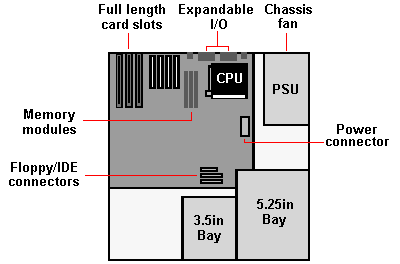
A drive bay is an area within a PC's system case designed to accommodate drive devices, such as a hard disk drive, floppy drive, CD-ROM drive, tape drive etc. There are two types, external and internal, the former allowing a drive to be accessed … [Continue reading]
Floppy Drive Installation BIOS Setup
To have the BIOS automatically detect the new drive and set its parameters you need to enter the Standard CMOS Setup category of the BIOS Setup and ensure that the IDE Master and Slave designations are correct for your current configuration. If … [Continue reading]
Windows Backup Restoration
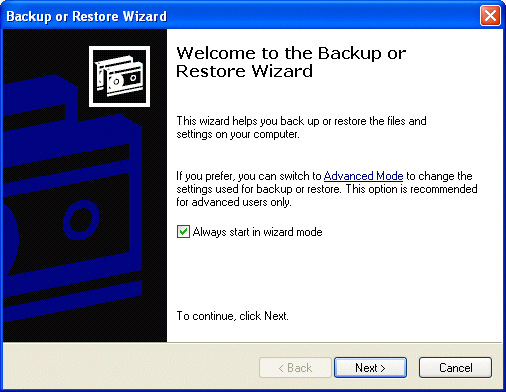
Click Start, point to All Programs > Accessories > System Tools, and then click Backup. The Backup or Restore Wizard is launched. Select the Restore files and settings radio button. specify which files and folders from the … [Continue reading]
Windows Backup In Action
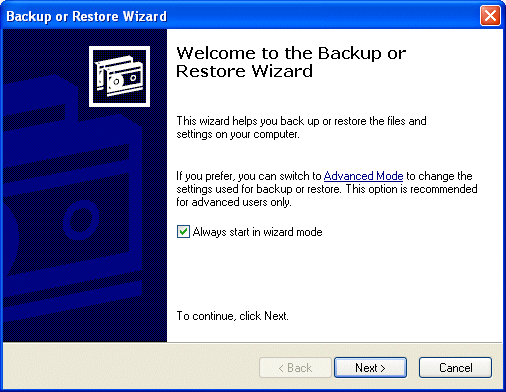
Click Start, point to All Programs > Accessories > System Tools, and then click Backup. The Backup or Restore Wizard is launched. Check the appropriate box to proceed in Wizard mode. Select the appropriate radio button for … [Continue reading]
Windows Backup Installation
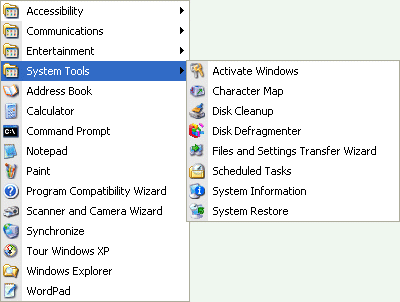
Unlike with the Professional Edition of the operating system, the Windows Backup utility is not included in the default installation of Windows XP Home Edition. You'll not, therefore, see the associated program icon on the Start menu in … [Continue reading]
Advanced Windows Backup
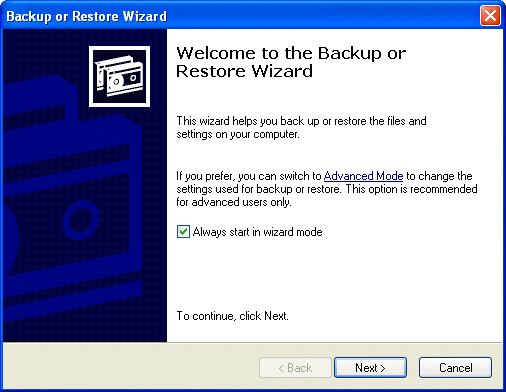
Click Start, point to All Programs > Accessories > System Tools, and then click Backup. The Backup or Restore Wizard is launched. Click Advanced Mode to vary the utility's default settings, to schedule tasks or to run the Automated System … [Continue reading]
Disk Defragmenting with Task Scheduler in Windows XP for Computer Maintenance
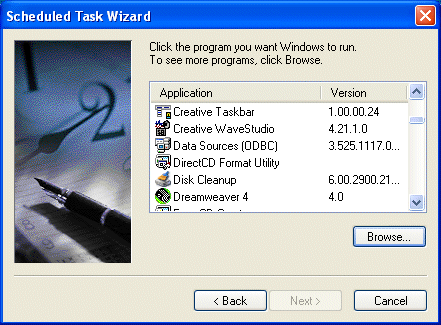
Scheduling Disk Defragmentation is a little different, inasmuch as it doesn't appear in the default list of software displayed by the the Scheduled Task Wizard. In this case you need to click Browse and locate the program in the … [Continue reading]
Scheduling Tasks Cleanup
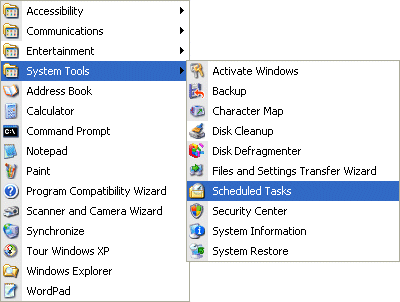
Open up the Scheduled Tasks tool from the Start menu, either via Programs > Accessories > System Tools ... ... or via Settings > Control Panel > Scheduled Tasks. It's likely that some tasks have already been automatically … [Continue reading]
Defragmenting the Hard Drive with Windows XP
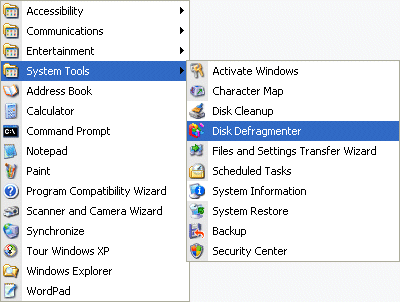
In older file system architectures, if a file could not be stored contiguously, it could not be saved to the disk. Newer architectures intentionally divide files into multiple pieces so as to make more efficient use of disk storage … [Continue reading]