
pctechguide.com

  • Home
  • Guides
  • Tutorials
  • Articles
  • Reviews
  • Glossary
  • Contact

Remo Recover Outlook Express Review

Remo Recover Outlook Express

If you are having problems with corrupted files, databases, or emails in your Outlook Express, we definitely recommend Remo Recover Outlook Express. This would be my number one choice for this problem. The only other possibility I could even give as a second option would be the Stellar Outlook Express Recovery. While both products are great, I would still choose Remo Recover Outlook Express.

» Download Remo Recover Outlook Express Here

Program: Remo Recover Outlook Express

Company: Remo Software

Supported OS: Windows XP, 2003, 2008, Vista, 7

Price: $69 USD

Overall Rating: 10 out of 10

What It Does:
Remo Recover Outlook Express was specifically made to work on Outlook Express. It will help to recover and repair any corrupted files, databases and emails.

Installation:
Easy. Quick. Took under a minute for full installation.

Details:
This product is very user friendly. Most of it is automated, so other than the occasional option you need to click on, you won’t really have to do anything but sit there and wait for it to finish the job.
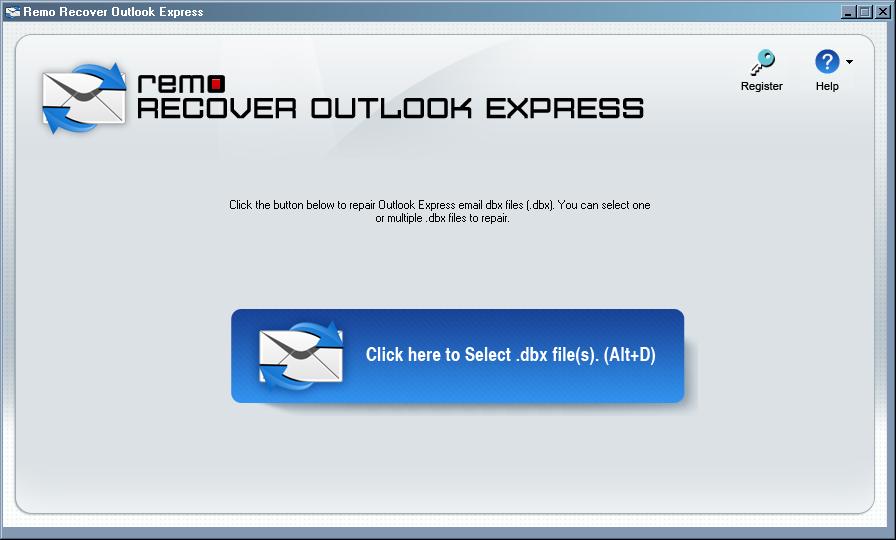
Take a look at the options below. Since we are dealing with Outlook Express, we really don’t have any other option than to choose “Main Identity”.
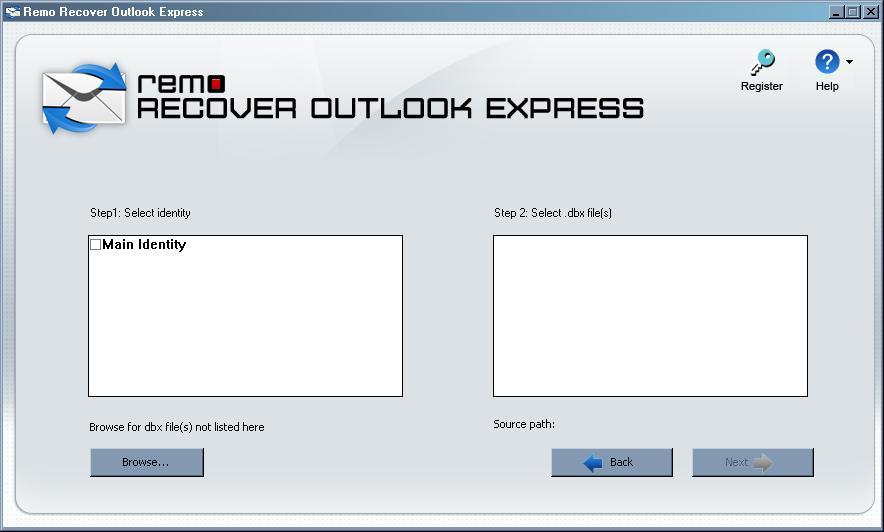
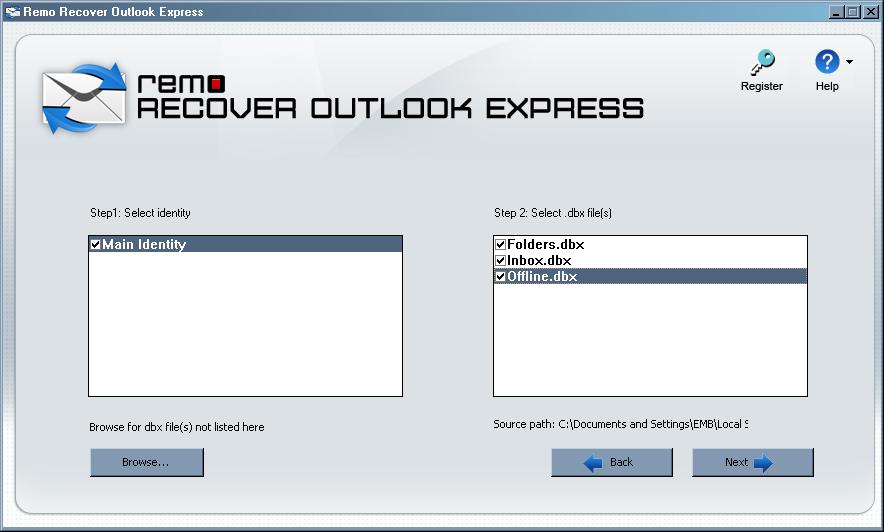
Next, choose what databases you want to search for.
Then choose where you want all recovered and restored information saved to. Just hit the “Browse” button, compress the data if you so choose, and hit “OK.” Then just wait for the information to come up.
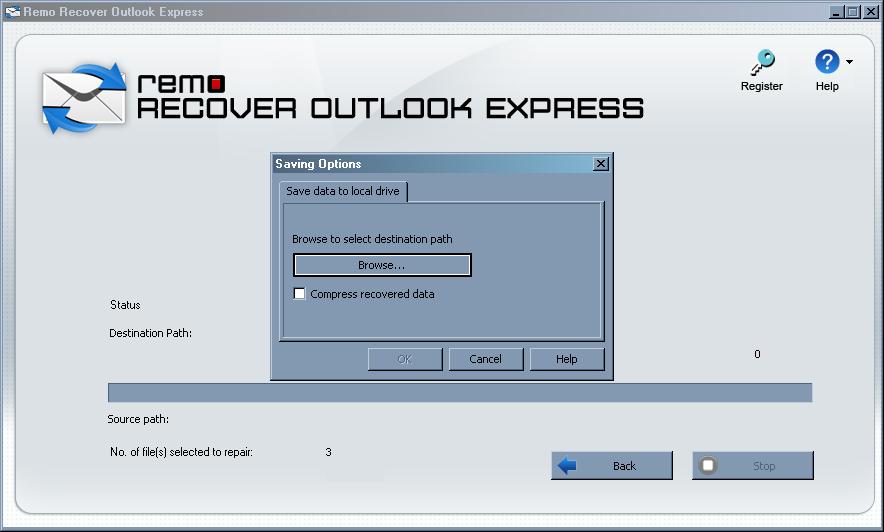
It should only take a few minutes for this data do come up to your set location.
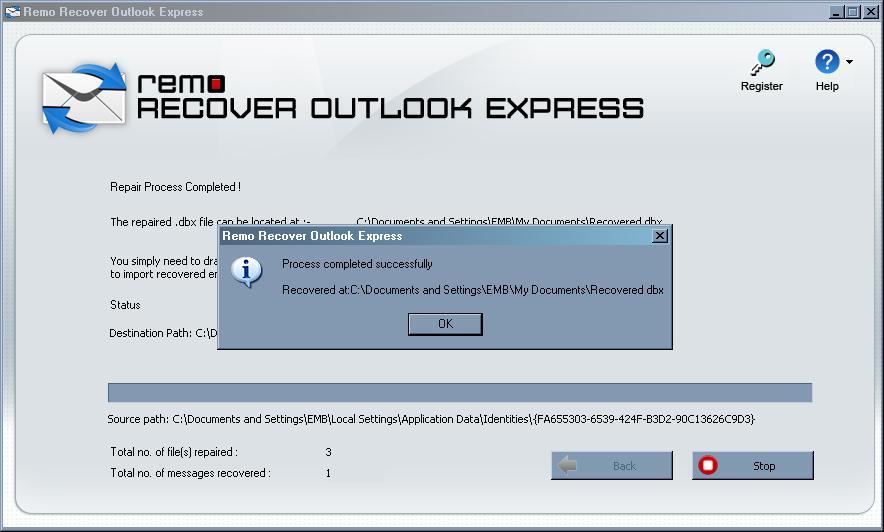
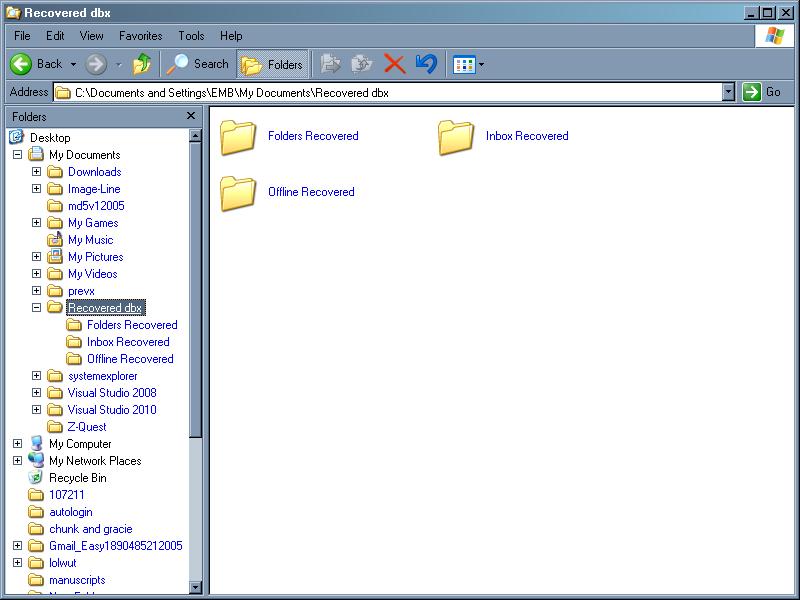
What’s really cool is the fact that Remo Recover Outlook Express opens up the location for you, so you don’t have to spend any time trying to find it yourself.
Ease Of Use:
With this super easy interface, I really feel that anyone could use this product. It doesn’t leave much room for error.

Summary:
If you have any corruption trouble in your Outlook Express, I truly recommend getting Remo Recover Outlook Express. It is so easy to use, takes under a minute to install, and pretty much does all the work for you.

PROS:  Does all it promises and in a very short amount of time.

CONS:  Couldn’t find any.

What To Do Now

» Download Remo Recover Outlook Express Here

Read More Data Recovery Software Reviews or visitor the data recovery home page.

We encourage all users to rate Remo Recover Outlook Express below.  It’s on a 1 – 10 rating scale below.  You may also give the product a thumbs up or down.

Filed Under: Data Recovery Tagged With: Remo Recover Outlook, Remo Recover Outlook Express, Remo Recover Outlook Express Review, Remo Recover Review

Latest Articles

xDSL Digital Subscriber Line technologies – ADSL, HDSL, VDSL

xDSL is a catchall name for a variety of DSL (Digital Subscriber Line) technologies developed to offer phone companies a way into the cable TV business. It isn't a new idea; Bell Communications Research Inc. developed the first DSL back in 1987 to deliver video on demand and interactive TV … [Read More...]

CD-RW Installation Optimization

To achieve top speeds for reading and writing with your CD-ReWriter drive, direct memory access (DMA) must be enabled for the drive. To enable DMA under Windows 95, 98, or Me: Click the Start button, then Settings, then Control Panel, then double-click on System icon, then click on Device … [Read More...]

The Fast Method to Remove Findpages.net Virus, the Browser Hijacker

If you already see the Findpages.net virus displaying as your home page, then your computer might be hijacked. This browser hijacker can infect even those popular browsers like the Mozilla Firefox, Internet Explorer and Google Chrome. In addition to that, every search query will generally sent via … [Read More...]

Comments

  1. Adrian says

    July 10, 2013 at 10:23 am

    This was the only tool, which was able to fix my DBX file.
    Really happy with it.

    • jerdei says

      July 10, 2013 at 4:32 pm

      It’s the One I use when out in the field having to repair a client’s DBX file. The best one around. Costs more but that is because it works.

  2. Pablo Ferrara says

    November 28, 2013 at 10:34 am

    I had a wonderful experience with this product. Recovers mostly everything. Corrupt files can be repaired. Its amazing what such a small software can achieve! I agree its heavier on the price tag but as Jerdei pointed out its because it works like a charm.

Everything You Need to Know About Sourcing Circuit Boards From U.S. Suppliers

In This Article This article includes: Why Source PCBs From the United States?How to Get a Quote From a U.S.-Based PCB ManufacturerThe Top U.S. … [Read More...]

Top Taplio Alternatives in 2025 : Why MagicPost Leads for LinkedIn Posting ?

LinkedIn has become a strong platform for professionals, creators, and businesses to establish authority, grow networks, and elicit engagement. Simple … [Read More...]

Shocking Cybercrime Statistics for 2025

People all over the world are becoming more concerned about cybercrime than ever. We have recently collected some statistics on this topic and … [Read More...]

Gaming Laptop Security Guide: Protecting Your High-End Hardware Investment in 2025

Since Jacob took over PC Tech Guide, we’ve looked at how tech intersects with personal well-being and digital safety. Gaming laptops are now … [Read More...]

20 Cool Creative Commons Photographs About the Future of AI

AI technology is starting to have a huge impact on our lives. The market value for AI is estimated to have been worth $279.22 billion in 2024 and it … [Read More...]

13 Impressive Stats on the Future of AI

AI technology is starting to become much more important in our everyday lives. Many businesses are using it as well. While he has created a lot of … [Read More...]

Guides

  • Computer Communications
  • Mobile Computing
  • PC Components
  • PC Data Storage
  • PC Input-Output
  • PC Multimedia
  • Processors (CPUs)

Recent Posts

RAID tutorial – preparing for the installation

You'll need first to complete a couple of preparatory steps: 1. Create a floppy disc containing the relevant RAID Controller drivers Locate the … [Read More...]

Hard Disk PLEDM

Notwithstanding the various candidates for the hard disk technology for the next millennium, it could be that the future … [Read More...]

WinXP Installation Information Collection

In common with people who effectively upgrade to a new version of Windows by purchasing a new system, users who go the clean install route have … [Read More...]

[footer_backtotop]

Copyright © 2026 About | Privacy | Contact Information | Wrtie For Us | Disclaimer | Copyright License | Authors