Binary options trading has witnessed a significant technological evolution, with platforms now accessible on both traditional personal computers (PCs) and mobile devices. While each option offers its unique advantages and considerations, understanding the technological nuances can help you make an informed decision. This article will provide you with all the insights you need to make the right choice.
The Technological Edge of PC Trading Platforms
Advanced Analytical Tools
PC trading platforms boast a plethora of advanced charting tools and analytical features. These platforms are equipped with technical indicators, drawing solutions, and customizable chart layouts, providing traders with the depth and flexibility needed to conduct in-depth market analysis. Whether a trader is searching for helpful information about trading or pinpointing potential entry and exit points, PC platforms empower them to make well-informed decisions.
Multi-Window Functionality
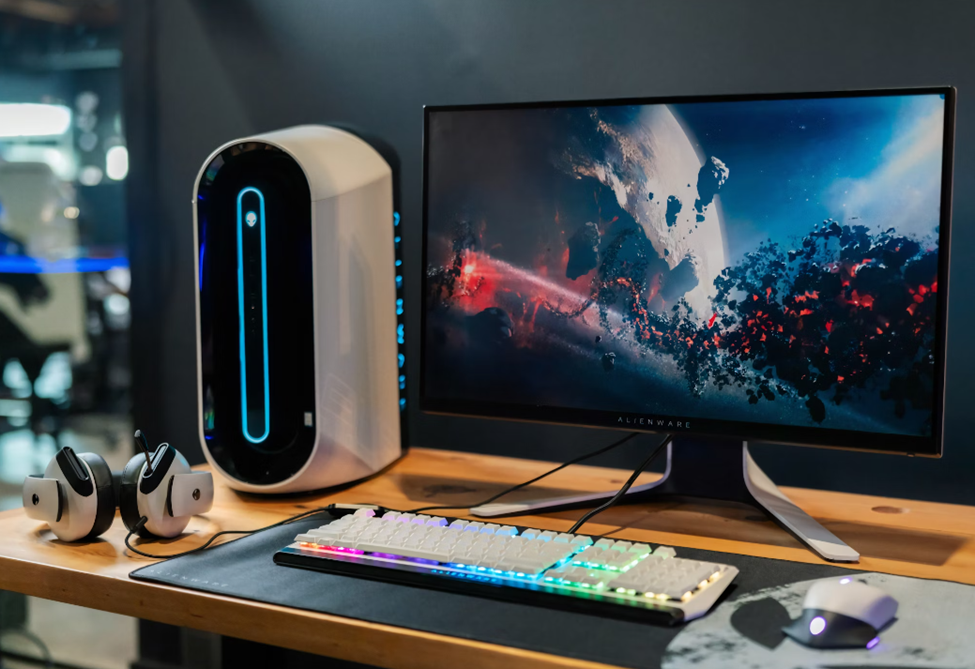
One of the standout features of PC platforms is their support for multi-window functionality. This capability allows traders to monitor multiple assets simultaneously, enhancing efficiency and enabling swift reactions to market movements. Having numerous windows open at once makes it easier to watch the market thoroughly. This is especially useful for traders who use different trading techniques or diversified portfolios.
Speedy Execution and Processing Power
In the fast-paced world of binary options trading, execution speed is paramount. PCs, with their superior processing power and internet connectivity, offer lightning-fast execution speeds compared to mobile devices. This ensures rapid order execution, which is crucial for capitalizing on fleeting market opportunities or during periods of high volatility. With PC platforms, traders can execute trades with precision and confidence, without worrying about delays or sluggish performance.
Enhanced Comfort and Ergonomics
The larger screen size of PCs provides better visibility and also offers a more comfortable trading experience. The large display provides plenty of areas to maneuver, reducing the possibility of mistakes or misinterpretations when executing trades or deciphering intricate charts. Additionally, the ergonomic design of PC setups allows for extended working sessions without discomfort, ensuring dealers can stay focused and alert throughout their investment endeavors.
Integration with External Tools and Resources
PC trading platforms often offer seamless integration with external tools and resources, further enhancing the investing experience. From third-party charting software to algorithmic trading platforms, PC traders can leverage a variety of supplementary tools to augment their investment strategies. This interoperability allows them to customize the working environment according to their preferences and requirements, maximizing efficiency and productivity.
The Convenience of Mobile Trading Apps
Trading on the Go
Mobile trading apps provide unparalleled convenience, enabling traders to access the markets from anywhere with an Internet connection. Mobile platforms ensure that a dealer never misses out on investing chances by keeping them linked to the markets.
Intuitive User Interface
Designed for touchscreens, mobile apps feature intuitive interfaces that make investments a breeze. Streamlined layouts and simplified functions ensure quick trade execution, even for traders on the move. The user-friendly design of smartphone applications caters to traders of all levels, facilitating seamless navigation and efficient dealings.
Real-Time Push Notifications
Stay informed about market developments and price movements in real time with push notifications. Mobile apps keep traders updated, ensuring they’re always in the loop, regardless of their location. Push notifications, such as news updates or price alerts, give traders the ability to respond quickly to shifting market circumstances and maximize trading possibilities.
Integration with Mobile Wallets
Some mobile trading apps integrate seamlessly with mobile wallets, allowing for swift deposits and withdrawals directly from the app. This feature enhances convenience and eliminates the hassle of separate transactions through web browsers or external platforms. With integrated mobile wallets, traders can manage their funds seamlessly, enhancing the overall trading experience.
How to Make the Right Choice
When faced with the decision between PC and mobile platforms for binary options trading, it’s essential to consider various factors that align with your goals and preferences. Here are some key considerations to keep in mind:
- Evaluate your investment style and determine which platform best complements your approach.
- Consider your personal preferences regarding user interface, functionality, and ease of use.
- Take into account your lifestyle and trading habits.
- Delve into the technological nuances of each platform to gain a deeper understanding of their capabilities and limitations.
- Consider factors such as execution speed, screen size, integration with external tools, and overall platform stability to make an informed decision.
Concluding Remarks
In the dynamic world of binary options trading, technology plays a pivotal role in shaping the investment experience. Whether you opt for the advanced features and processing power of PC platforms or the convenience and mobility of mobile apps, the key is to choose a platform that empowers you to trade with confidence and capitalize on market opportunities. So, evaluate your options, consider the technological nuances, and choose the platform that best suits your needs and preferences.