pctechguide.com

  • Home
  • Guides
  • Tutorials
  • Articles
  • Reviews
  • Glossary
  • Contact

Installing the Software for the ADVC-55 DV Converter – including NERO

Now it’s time to install the Canopus Let’s CONVERT application.

Please note: Since the creation of this tutorial the Canopus Let’s CONVERT software has been taken off release.
Installation

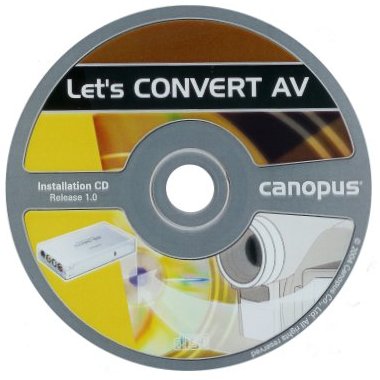
Load the Installation CD-ROM.

Provided the ADVC-55 device is plugged into the PC …
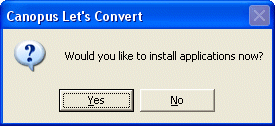
Install

… we’ll be invited to install the Canopus software.

The start of the process is indicated by the appearance of the SetupManager …
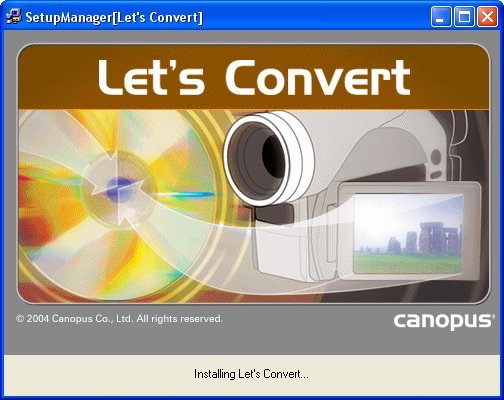
Setup

… quickly followed by the Canopus Installation Wizard.
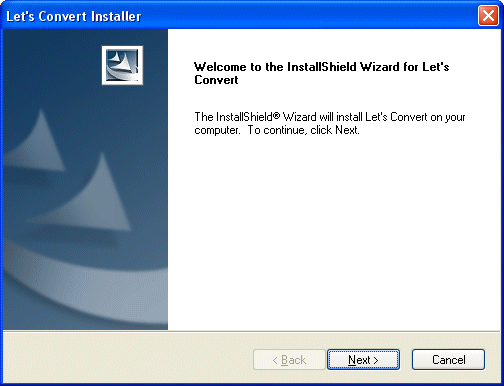
Installation

The Canopus Software License Agreement is next up.
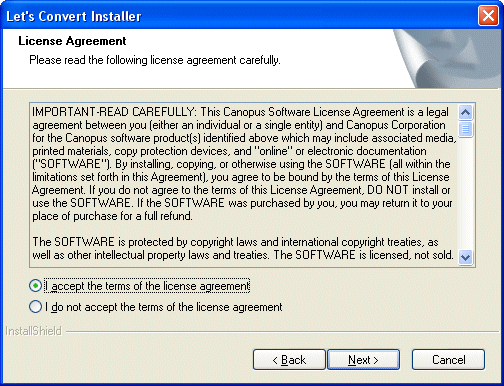
Licence

Click Next after having signalled your acceptance of this, when we’re invited to specify the appropriate video standard.
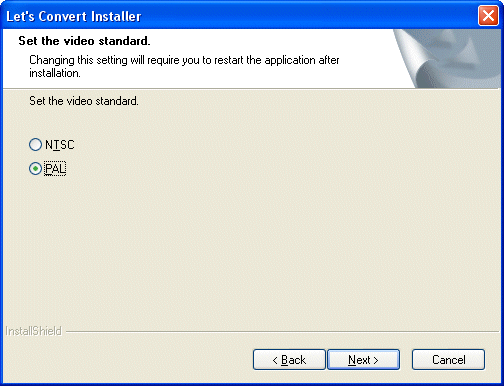
Video

The Wizard is now ready to commence the software installation …
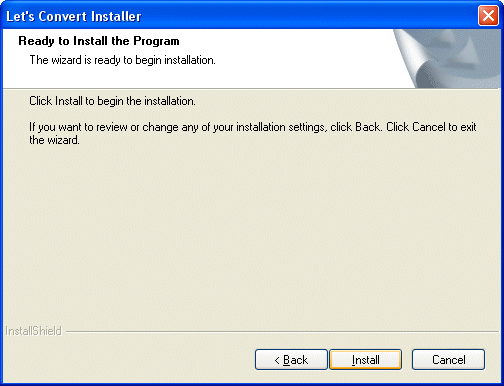
Ready

The progress of the installation is monitored …
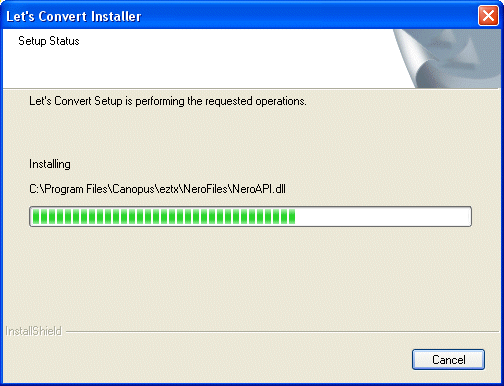
Setup

… through to completion.

Installation

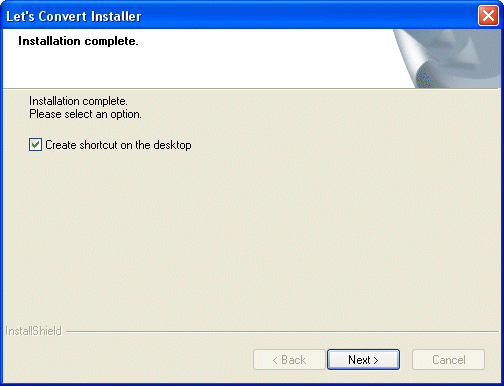
Indicate whether or not you wish to create an icon on the desktop …
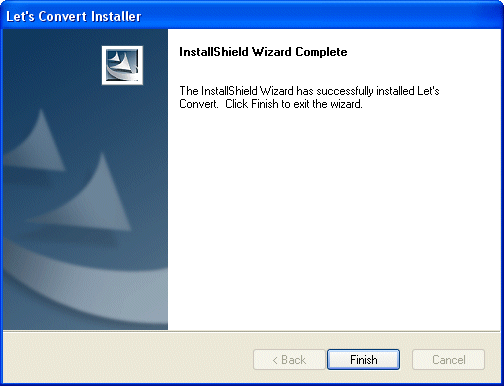
Wizard

… and click Finish to exit the Wizard.

At this point we’re invited to …
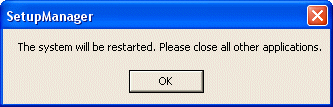
Restart

… either restart the system …

Install

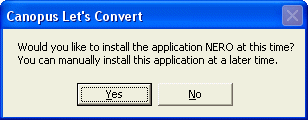
… or continue with the installation of Ahead’s NeroVision Express 2 application, a complete package that allows you to capture, author and burn your video files.

We’ll elect for the latter, and click Yes to continue with the application’s installation.
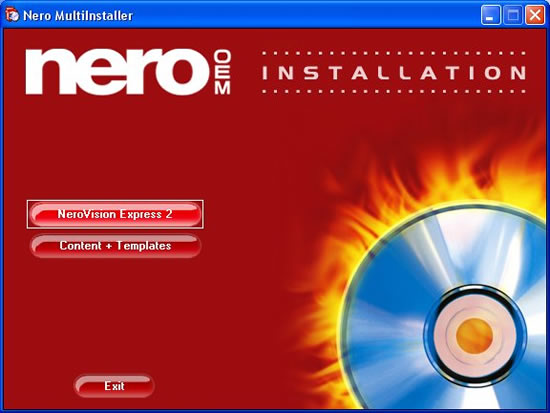
NeroVision

We’ll elect for the latter, and click Yes to continue with the application’s installation.

At this point a new Installation Wizard is launched.
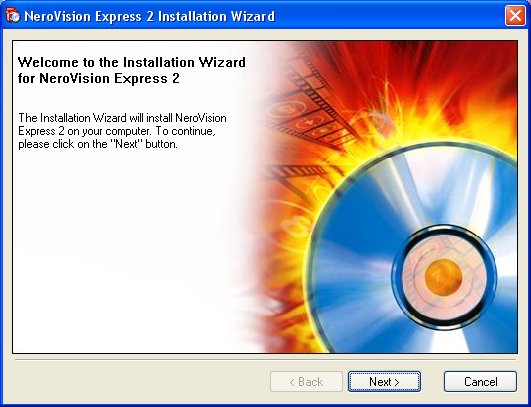
Installation

After completing the associated licence agreement, we’re invited to enter some Customer information.
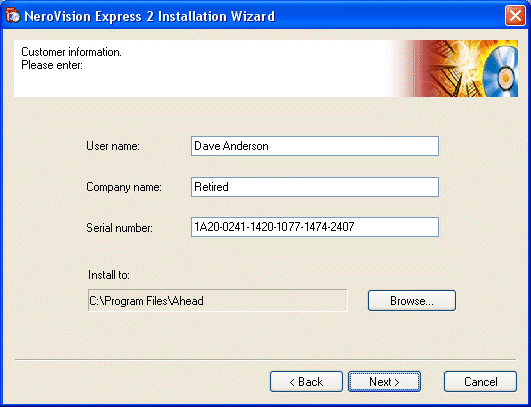
Customer

Installation now proceeds, after which we’re invited to specify which file types we want Nero Show Time to be the default application for.

The Wizard then signals its successful completion …
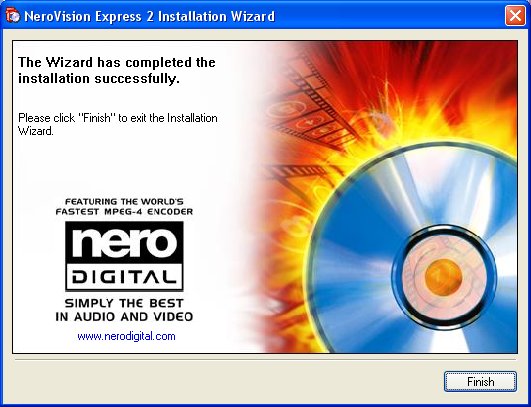
Installation

… at which point we’ll click Finish …

Content

… proceed with the installation of NeroVision Express Content and Templates …

Exit

… and then Exit when this is completed.

Restart

This time we will click OK to restart the system when invited to do so.

  • Transfer VHS to DVD Method
  • VCR to DVD – Video Digitisation and Compression Codecs
  • VCR to DVD Conversion – Video Capture Cards and PC Hardware
  • How to Transfer VCR Video to DVD – Preparation
  • Converting VCR Video to DVD Using Canopus ADVC-55
  • Connecting External DV Converter Hardware to VCR and PC for VHS Video to DVD Transfer
  • Testing the External DV Converter
  • Installing the Software for the ADVC-55 DV Converter – including NERO
  • One-Click Operation of VHS Video to DVD Transfer Using ADVC-55
  • Rip / Import / Copy VCR VHS Video and Burn to DVD with Nero
  • Labelling your DVDs – tutorial on how to transfer your VCR tapes to DVD

Filed Under: How to Transfer Your VCR Tapes to DVD Tagged With: ADVC-55 drivers, ADVC-55 software, how to install ADVC-55, installing NERO

Latest Articles

AffPlayBook.com – Review From Actual User

Hi, My name is Jacob Erdei and when you become a member of affplaybook you will recognize my user name inside the forum as jerdei. I have over 3,500 posts and have been thanked 2,813 times inside the affplaybook forum.  I mention this so you know this review is coming from someone who uses … [Read More...]

Fatal Exception OE Errors

Anybody who owns a PC has probably seen enough error screens to last a lifetime. Out of all of these possible error messages, one of the most annoying continues to be the fatal exception OE error screen. The reason that fatal exception errors are so annoying is because there are so many … [Read More...]

How to Remove Total Protect

Easiest Removal Option: Remote Repair: Paying an expert to remove this threat is always the easiest option. It's also the most expensive. PCTechGuide.com has reviewed several remote computer repair companies and we recommend http://www.pcninja.com This is a small computer repair company (Two … [Read More...]

Why Internet Bundles Are the Next Battleground for Gamers

A weak internet connection can turn seamless gaming sessions into frustrating experiences filled with lag, buffering or sudden disconnects. For … [Read More...]

Importance of Inbound Marketing in the Digital Age

A couple of months ago, Zacks reported that Hubspot was starting to make some major changes to its inbound marketing strategy. They talk a lot about … [Read More...]

Damage Control Strategies for Resolving Online PR Crises

Last July, Astrologer faced a major crisis after its CEO went viral at a ColdPlay concert when having an affair. This was just one of the many times a … [Read More...]

AI is Not Killing Computer Jobs Like Doomers Projected

There is no denying the reality that AI technology has played a massive role in disrupting our lives. A growing number of people claim that AI … [Read More...]

Everything You Need to Know About Sourcing Circuit Boards From U.S. Suppliers

In This Article This article includes: Why Source PCBs From the United States?How to Get a Quote From a U.S.-Based PCB ManufacturerThe Top U.S. … [Read More...]

Top Taplio Alternatives in 2025 : Why MagicPost Leads for LinkedIn Posting ?

LinkedIn has become a strong platform for professionals, creators, and businesses to establish authority, grow networks, and elicit engagement. Simple … [Read More...]

Guides

  • Computer Communications
  • Mobile Computing
  • PC Components
  • PC Data Storage
  • PC Input-Output
  • PC Multimedia
  • Processors (CPUs)

Recent Posts

DVD-RAM

Rewritable DVD-ROM drives, or DVD-RAM, employs phase-change technology with some MO features mixed in … [Read More...]

CD-ROM CLV

The first generation of single-speed CD-ROM drives were based on the design of audio CD drives, employing constant linear … [Read More...]

Junk Temp File Cleaning

Video Covering Junk Temp File Cleaning - Part of our Fix Slow Computer tutorial found on  … [Read More...]

[footer_backtotop]

Copyright © 2026 About | Privacy | Contact Information | Wrtie For Us | Disclaimer | Copyright License | Authors