pctechguide.com

  • Home
  • Guides
  • Tutorials
  • Articles
  • Reviews
  • Glossary
  • Contact

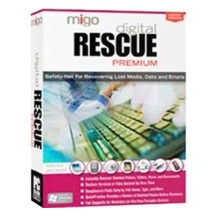
Migo Digital Rescue Premium Review

Migo Digital Rescue 4 Premium

I wasn’t overly impressed with Migo Digital Rescue 4 Premium, mainly because I thought they could have added more to this product. All it really does is help to recover deleted files on drives and memory devices. While it works well with that, it won’t help you recover partitions or drives that are formatted.

ยป Purchase Migo Digital Rescue 4 Premium Here (Not Recommended)

Program: DT Utilities Migo Digital Rescue 4 Premium

Company: DT Utilities

Supported OS: WiIndows 2000, XP, Vista

Price: $49.99 USD

Overall Rating: 2 out of 10

What It Does:

Migo Digital Rescue 4 Premium will help you recover files you accidentally deleted on your hard drive and memory devices. It will not recover formatted disc drives or any partitions. If all you need it for is deleted files, you should be fine.

Installation:

Installation was easy and didn’t take much time at all.

Details:

After installing this product, you will have the option to either enter your license key, or click on the “Activate Later” button. Doing the latter will start your trial version.
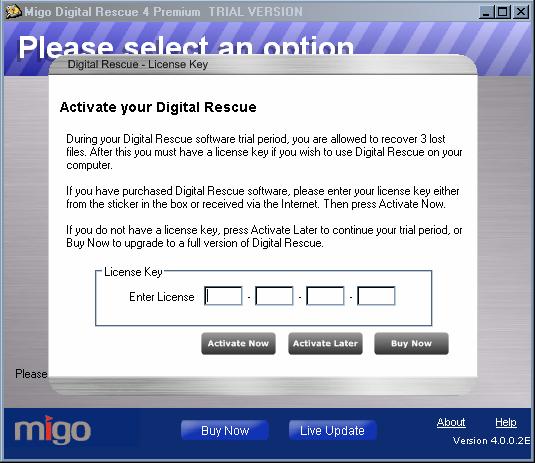
You can then choose which drives you want scanned. Since the program stated that it recovered deleted programs, I tried unsuccessfully to scan a drive with a deleted partition. This did not work.
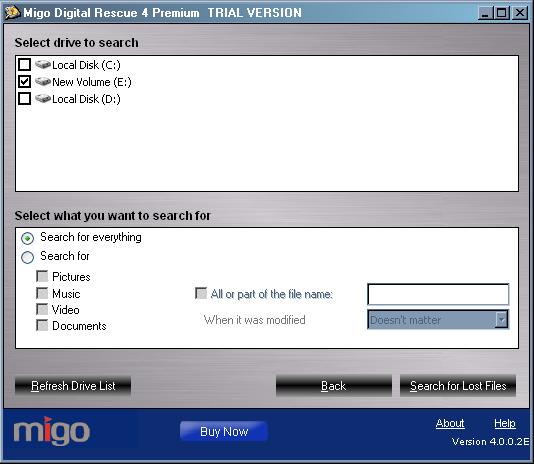
I didn’t get anything using the “Search For Everything option, so I selected all the options under it and tried again.
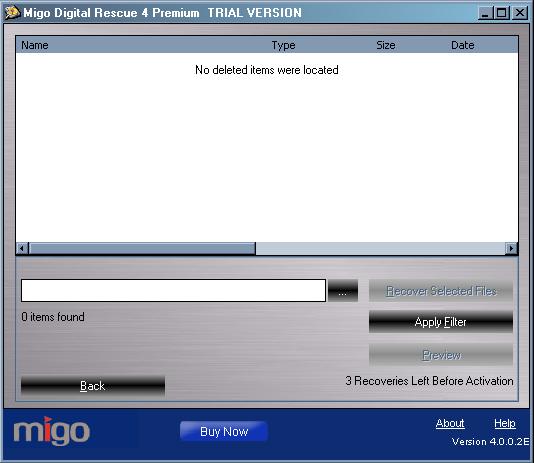
Nothing showed up, which wasn’t really a surprise after I looked up what this product did online. I was expecting something it couldn’t deliver.
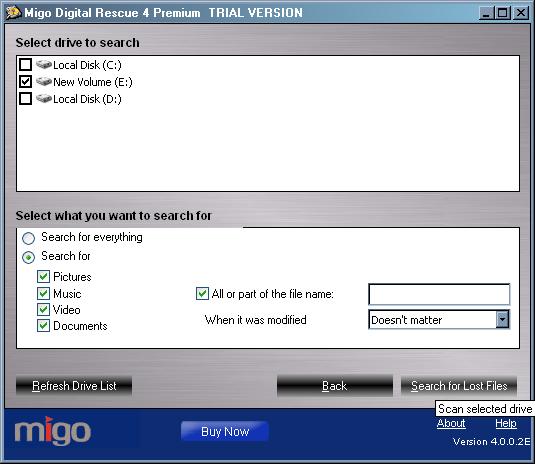
I went through the process again and this time I only used a drive that had some deleted files in it.
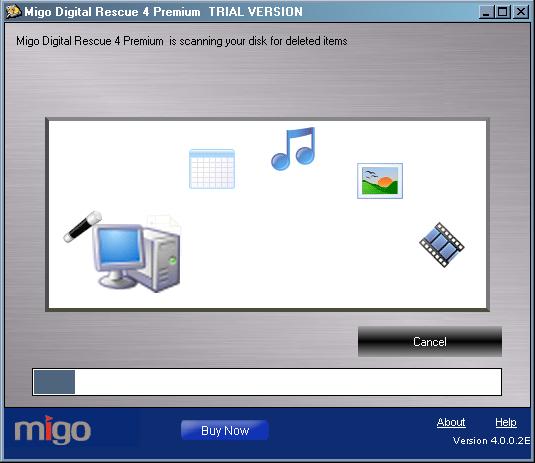
It took about 25 minutes, and below are the results:
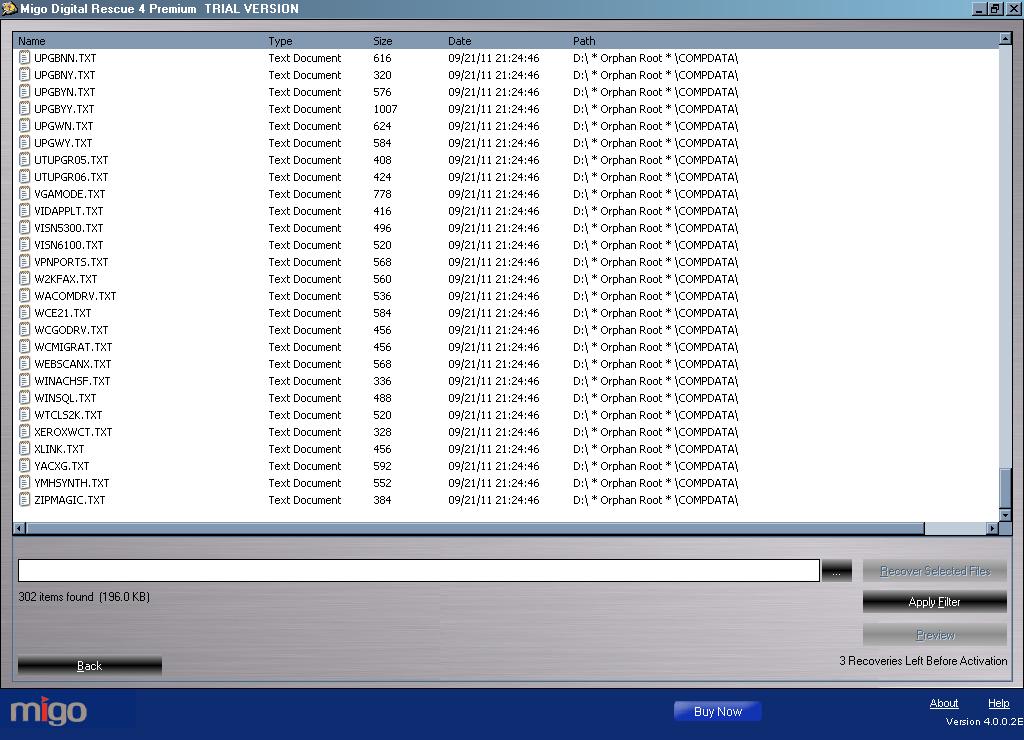
I went through the process again with my deleted files drive and was truly disappointed in this software. The only thing this product found was text files. It should have been able to detect more than it did, according to the Digital Rescue 4 Premium advertisements, so I was rather baffled. I really was unimpressed with this product and will not be suggesting it. Now, I only used the trial version, so you may have better luck with the real thing, but I wouldn’t be counting on that fact.

Ease Of Use:

Migo Digital Rescue 4 Premium had an easy to use interface and I had no problems navigating my way through the software.

Summary:

I wouldn’t actually suggest this product to anybody. Yes, it is very easy to use, but it also didn’t do what a product like this one should do. It may have worked better on the real version, but I have a hard time believing that they wouldn’t show you how it really works from the get go.

PROS:

Installs quickly and takes up under 10MB of disk space.

CONS:

The data recover was not impressive at all. Doesn’t offer much for service, especially compared to similar products.

What to Do Now

I strongly suggest purchasing another product. Recover My Files and Remo Recover Pro are very good options to consider.

Filed Under: Data Recovery Tagged With: data recovery, data recovery reviews, migo digital rescue premium, Migo Digital Rescue Premium Review

Latest Articles

The Galaxy Tab 3 Lite

  Best Viewing Experience To give you a maximum entertainment, Tab 3 Lite designed a high resolution screen. This means sharper text, brighter images, no status bar that would block the view, and wide viewing space that can make it a delight to use and watch. Light and Slim … [Read More...]

Site Design Information

The current PCTechGuide design uses CSS layout to achieve a clean look, with clear navigation options to make the information easy to find and easy to read. Launched in December 2008, we hope the change is considered for-the-better by regular visitors, and that new visitors will find a … [Read More...]

VBR

VBR Definition: Variable Bit Rate: maximum throughput set in advance, but data not always sent evenly. … [Read More...]

Comments

  1. Anonymous says

    December 30, 2011 at 7:02 pm

    As our review states. We rated the product a 2 out of 10. I don’t recommend this product either. Recover MY Files is the better choice. That program can do raw data recovery. Not sure were you read that Migo could do raw data recovery as it is not listed as being able to do so.

Why Internet Bundles Are the Next Battleground for Gamers

A weak internet connection can turn seamless gaming sessions into frustrating experiences filled with lag, buffering or sudden disconnects. For … [Read More...]

Importance of Inbound Marketing in the Digital Age

A couple of months ago, Zacks reported that Hubspot was starting to make some major changes to its inbound marketing strategy. They talk a lot about … [Read More...]

Damage Control Strategies for Resolving Online PR Crises

Last July, Astrologer faced a major crisis after its CEO went viral at a ColdPlay concert when having an affair. This was just one of the many times a … [Read More...]

AI is Not Killing Computer Jobs Like Doomers Projected

There is no denying the reality that AI technology has played a massive role in disrupting our lives. A growing number of people claim that AI … [Read More...]

Everything You Need to Know About Sourcing Circuit Boards From U.S. Suppliers

In This Article This article includes: Why Source PCBs From the United States?How to Get a Quote From a U.S.-Based PCB ManufacturerThe Top U.S. … [Read More...]

Top Taplio Alternatives in 2025 : Why MagicPost Leads for LinkedIn Posting ?

LinkedIn has become a strong platform for professionals, creators, and businesses to establish authority, grow networks, and elicit engagement. Simple … [Read More...]

Guides

  • Computer Communications
  • Mobile Computing
  • PC Components
  • PC Data Storage
  • PC Input-Output
  • PC Multimedia
  • Processors (CPUs)

Recent Posts

PALCD Flat Panels

A peculiar hybrid of PDP and LCD is the plasma addressed liquid crystal display (PALCD). Sony is currently working, in … [Read More...]

CD-ROM Photo CD

Photo CD has been specified by Kodak and Philips based on the CD-i Bridge specification. It comprises the … [Read More...]

RAID tutorial – installing the drivers

Now is the time to use the previously prepared floppy disk containing the RAID Controller driver software. Proceed as follows: Press F6 when … [Read More...]

[footer_backtotop]

Copyright © 2026 About | Privacy | Contact Information | Wrtie For Us | Disclaimer | Copyright License | Authors