pctechguide.com

  • Home
  • Guides
  • Tutorials
  • Articles
  • Reviews
  • Glossary
  • Contact

Win98 Installation

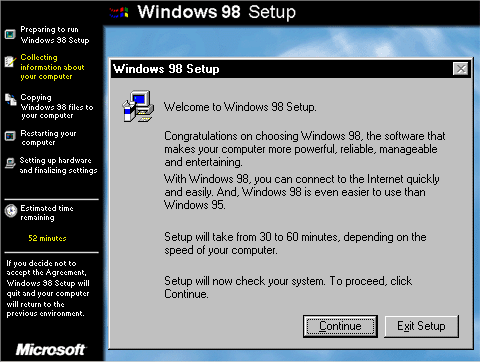
After you've partitioned and formatted your hard disk, you're ready to reinstall Windows 98: Insert the Windows 98 Startup disk in the floppy disk drive, and then restart your computer. When the Windows 98 Startup menu is displayed, choose the Start computer with CD-ROM support option, and … [Read more...]

Filed Under: How To Do a Clean Installation of Win98

Win98 Installation Drive Formating

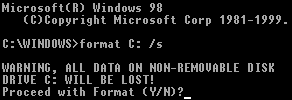
With the Fdisk procedure completed, restart you computer with the Windows 98 Startup disk in the floppy disk drive and proceed to format the partitions you've created with a file system, using the Format tool as follows: When the Windows 98 Startup menu is displayed, choose the Start computer … [Read more...]

Filed Under: How To Do a Clean Installation of Win98

How To Create A FAT32 Partition on Your Hard Drive
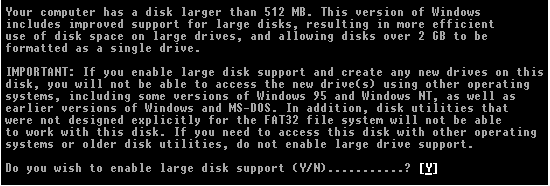
If you're installing Windows 98 onto a new, empty hard disk, you're going to have to first create a primary partition on the disk and then format a file system on that partition. If you're installing on a disk you've been using previously, you may want to delete it's existing partitions … [Read more...]

Filed Under: How To Do a Clean Installation of Win98

Installing Windows 98 – Getting Your CD Drive to Work for Installation
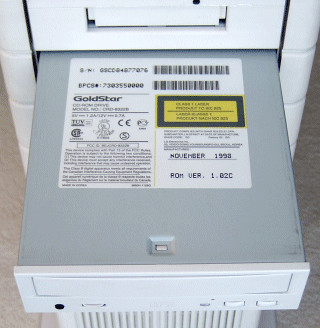
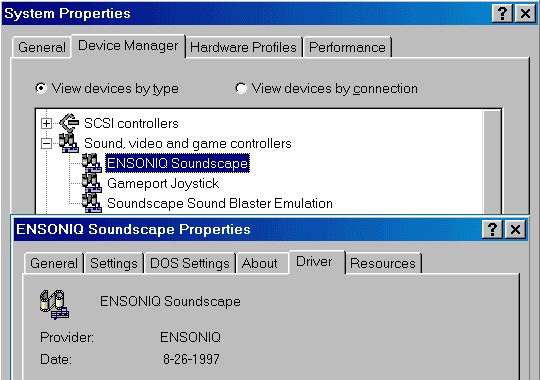
A Windows 98 Startup Disk is a considerable improvement on that produced by earlier versions of Windows, not least because it contains a number of generic, real-mode ATAPI CD-ROM and SCSI drivers that allow CD-ROM devices to become available when running Windows 98 from the Startup Disk. … [Read more...]

Filed Under: How To Do a Clean Installation of Win98

Win98 Installation Planning

A clean install means that you're going to completely wipe your C: drive early in the procedure. You need to be sure that you've figured out how you'll subsequently reinstate everything you require to the system, both software and user data. Two types of software need to be considered, device … [Read more...]

Filed Under: How To Do a Clean Installation of Win98

« Previous Page

Why Internet Bundles Are the Next Battleground for Gamers

A weak internet connection can turn seamless gaming sessions into frustrating experiences filled with lag, buffering or sudden disconnects. For … [Read More...]

Importance of Inbound Marketing in the Digital Age

A couple of months ago, Zacks reported that Hubspot was starting to make some major changes to its inbound marketing strategy. They talk a lot about … [Read More...]

Damage Control Strategies for Resolving Online PR Crises

Last July, Astrologer faced a major crisis after its CEO went viral at a ColdPlay concert when having an affair. This was just one of the many times a … [Read More...]

AI is Not Killing Computer Jobs Like Doomers Projected

There is no denying the reality that AI technology has played a massive role in disrupting our lives. A growing number of people claim that AI … [Read More...]

Everything You Need to Know About Sourcing Circuit Boards From U.S. Suppliers

In This Article This article includes: Why Source PCBs From the United States?How to Get a Quote From a U.S.-Based PCB ManufacturerThe Top U.S. … [Read More...]

Top Taplio Alternatives in 2025 : Why MagicPost Leads for LinkedIn Posting ?

LinkedIn has become a strong platform for professionals, creators, and businesses to establish authority, grow networks, and elicit engagement. Simple … [Read More...]

Guides

  • Computer Communications
  • Mobile Computing
  • PC Components
  • PC Data Storage
  • PC Input-Output
  • PC Multimedia
  • Processors (CPUs)

Recent Posts

CDR-RW Mini Media

8cm CD recordable and rewritable media - offering a capacity of 185MB - have been available for a number of years. Most … [Read More...]

Motivating Students to Learn Computer Science

Computer science has been an important part of the educational curriculum for decades. Professor Seymour Papert, a mathematician from South Africa … [Read More...]

Differences with Reverse Image Search on Desktop and Mobile Devices

Searches with images are a Google functionality with which users can find similar images, source of photographs or until the date in which an image … [Read More...]

[footer_backtotop]

Copyright © 2026 About | Privacy | Contact Information | Wrtie For Us | Disclaimer | Copyright License | Authors