 PROS: Disk Keeper 16 Pro Premier Review for servers and high performance personal computers.
CONS: The results of the Disk Keeper 16 Pro Premier Review.
OVERVIEW: Disk Keeper 16 Pro Premier Review defragments thoroughly and does an excellent job at handling your hard drive.
Checkout or other recommended registry cleaner reviews


Disk Keeper 16 Pro Premier Review
Company: http://www.diskeeper.com/home-use/diskeeper/pro-premier/
Supported OS: Windows XP, Vista, 7 (32 and 64 Bit)
Price: $99.95 per license
Overall Rating: 10 out of 10
What It Does:
Disk Keeper 2017 Pro Premier is a disk defragging utility designed for not only servers, but higher end computers that handle large amounts of data. Disk Keeper 2017 Pro Premier handles these tasks automatically and effectively, ensuring that your computer runs at peak performance when idling, and during high-intensive disk activity.
Installation:
The installation process took about 5 minutes from start to finish, with minimal user interaction.The user is also presented with the option for allowing Disk Keeper 2017 Pro Premier to automatically defragment hard drives, so the user doesn’t have to worry about manually defragging hard drives.
Details:
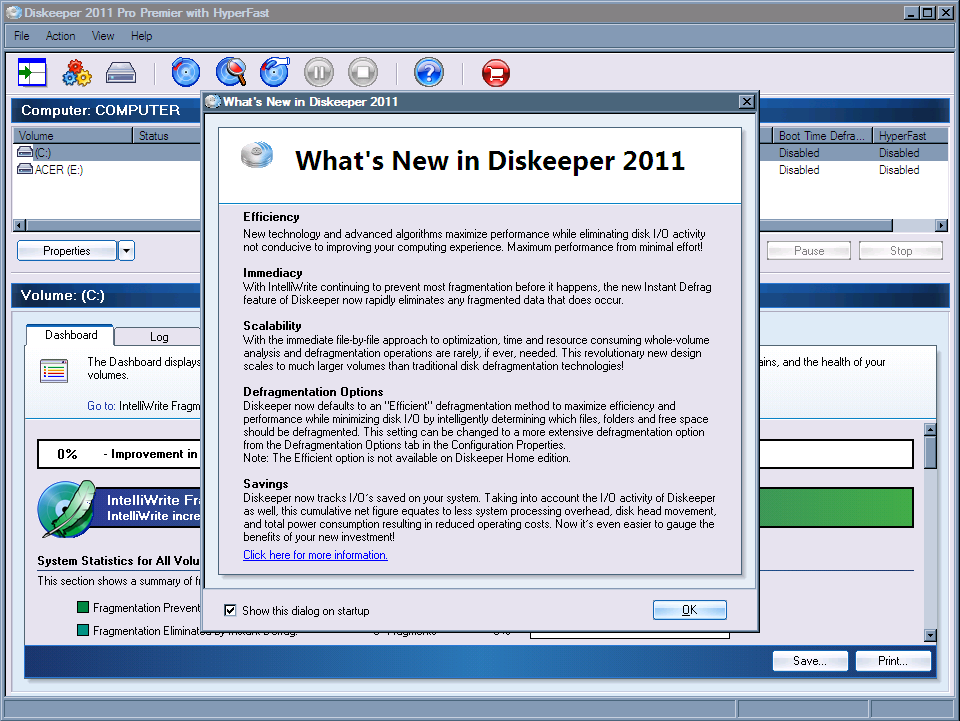
After installing Disk Keeper 2017 Pro Premier, the user is greeted with a “What’s New” dialog box, telling them various new and improved features that they can look forward to utilizing.
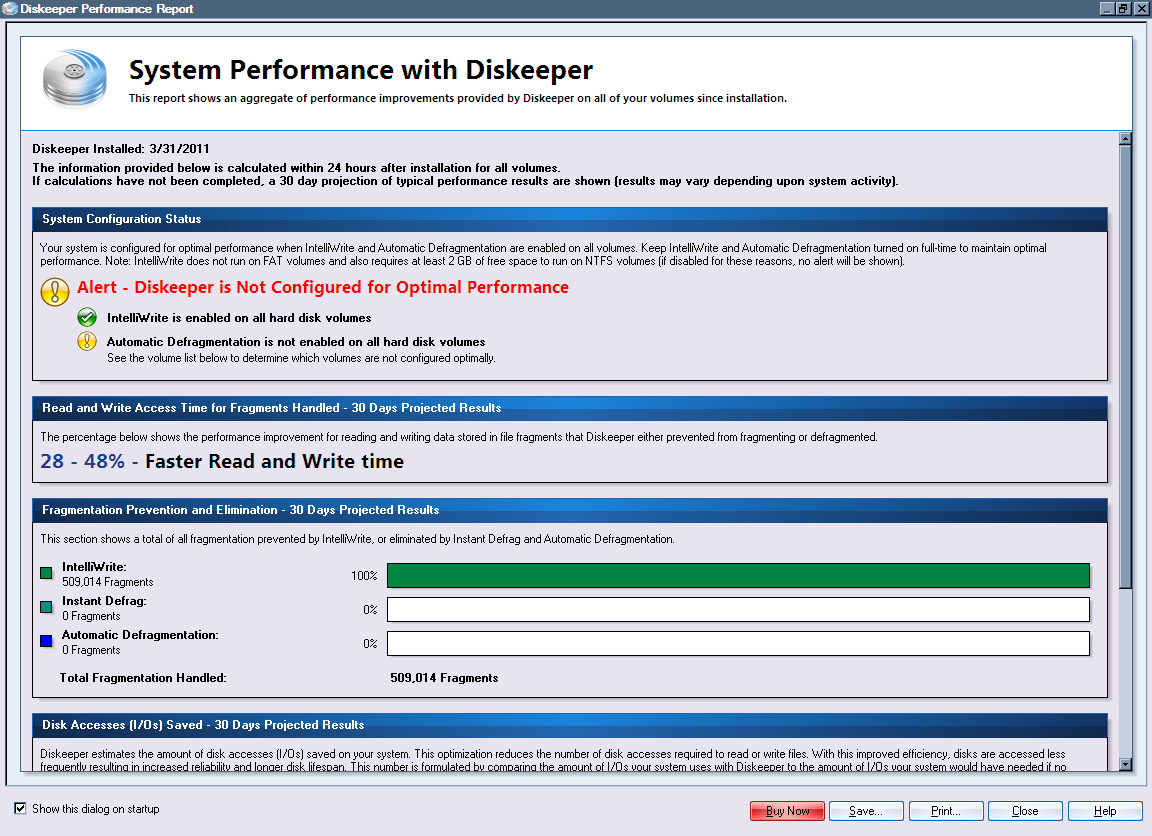
After closing the “What’s New” dialog box, the user is then presented with an initial overview of projected information that has been collected and will be used to monitor the results of Disk Keeper 2011 Pro Premier’s defragging tasks.
Upon closing the Disk Keeper performance report, the user is then given the option to select and defrag any drives that are installed on their system. From there, the user can then opt to simply analyze a given drive, or do a full defragmentation.
I selected to analyze one of my external drives that I use for data collection and processing (which hadn’t been defragmented in nearly 2 weeks), and naturally, I expected to see a lot of fragmented files.Below are the results.Needless to say, Disk Keeper 2017 Pro Premier had its work cut out for it.
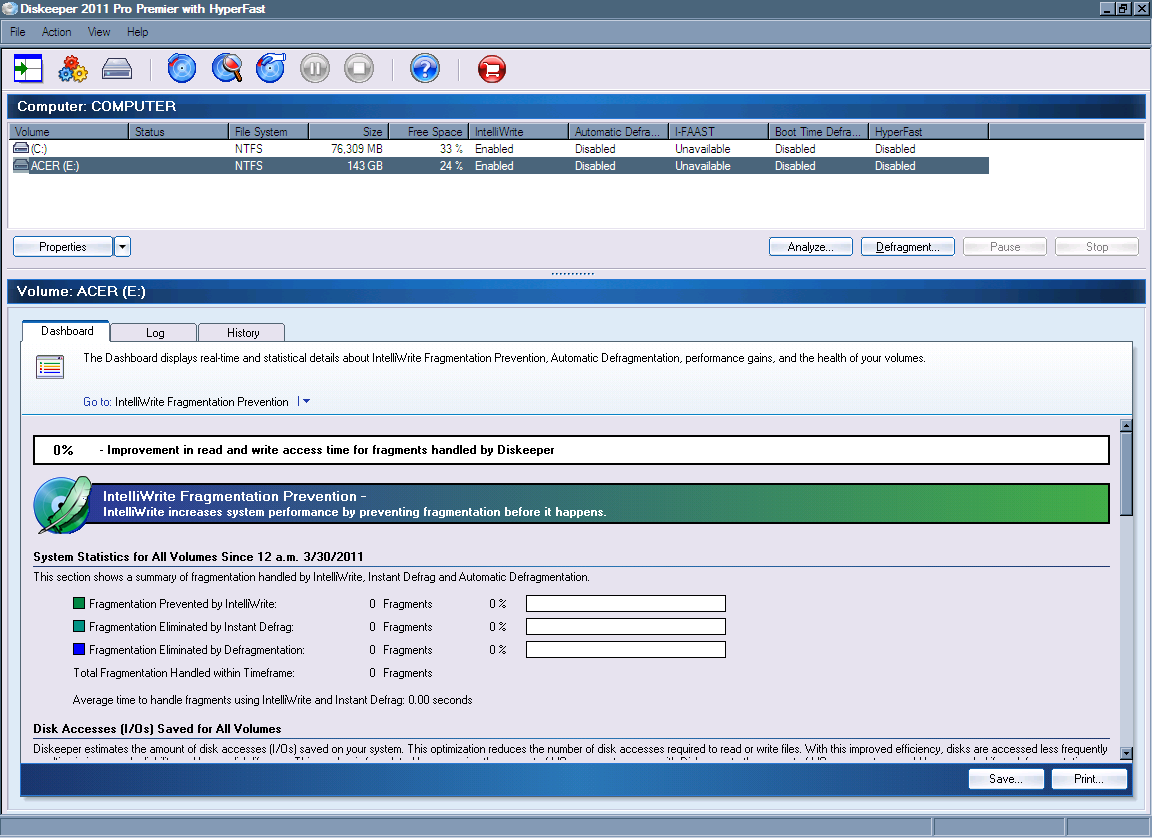
When I went back to the main screen, I opted to defrag the entire hard drive, seeing as how I did notice some minor performance issues with the hard drive when accessing the data that was on it.
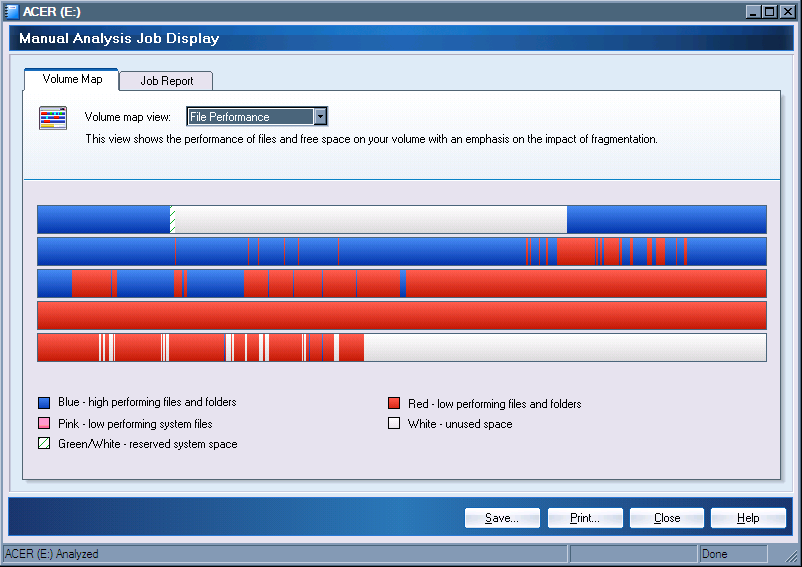
After hitting the “Defragment” button, I was presented with a dialog box explaining that it even though a manual defragging would work, it was not as effective as having Disk Keeper running in the background with Automatic Defragmentation mode.When I installed this application I opted out of this mode, not because it doesn’t work (it does work, and quite effectively, I might add), but because most of the time while I’m away, I try to keep as many resources free as possible.Since I have several custom applications running the system at full throttle to process and sort collected data archives.For the average user, this will work fine, but in my case, it tends to slow things down.
As you can probably guess from the results displayed above, the defragging process took approximately 2 hours to complete from start to finish, which turned out to be a lot quicker than what I expected. The hard drive access times were almost instantly lower by about 30%, and the hard drive was a lot more responsive, and didn’t lag as it did before.
Ease Of Use:
Disk Keeper 16 Pro Premier was a breeze to install, and the interface is uncluttered and very well organized.
Summary:
I would recommend that anyone who is interested in a full-end defragging utility buy this, although the $99.95 price tag may throw some people off.The Disk Keeper line of defragging utilities are ones that I have used for years, in conjunction with other disk defragging utilities for the various features that each of them offer.However, Disk Keeper 2017 Pro Premier offers a lot more in the way of a complete and thorough defrag, which definitely makes this application a worthy investment.