 [starreviewmulti id=6 tpl=20]
PROS: Very easy to use and install.
CONS: This product does occasionally detect a false out-of-date driver, but not nearly as often as other driver software.
OVERVIEW: Driver Genius was designed with all users in mind, regardless of their experience with computer hardware and software. It has a lot of options, but they are user friendly and you can make all the choices yourself.


Driver Genius Professional Review
Company: Avanquest
Release Date: January 10th, 2011
Supported OS: Windows XP, 2003 Server, Vista, 7, 2008 Server (Supports all Windows 32 and 64 bit versions)
Price: $29.95 per 1 license
What It Does:
Driver Genius is an all-in-one device driver manager that searches for the most up-to-date drivers for your computer. It also allows you to backup, restore and uninstall drivers.
Installation:
The installation was successful with no issues.
Details:
After starting Driver Genius, if the program is unregistered, the following screen is shown. If Driver Genius is registered, the “Start Scan” button appears on the main screen.
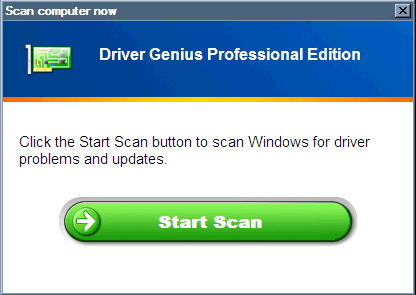
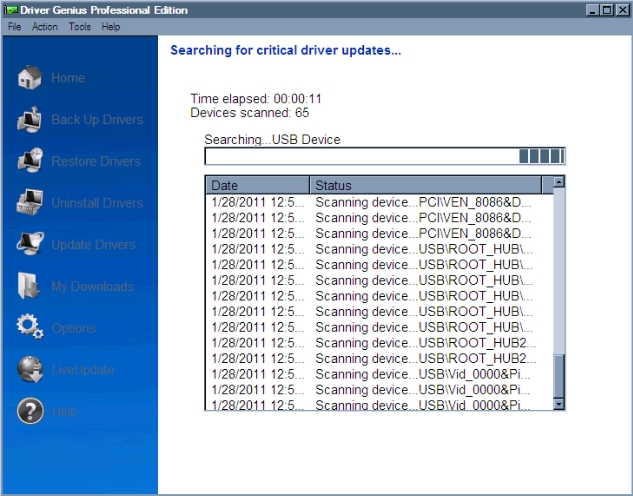
Once started, the initial scan of any installed hardware is completed within less than two minutes. I would imagine that this is about how long it takes on most other systems, unless there are several dozen additional, non-local devices attached to the computer.
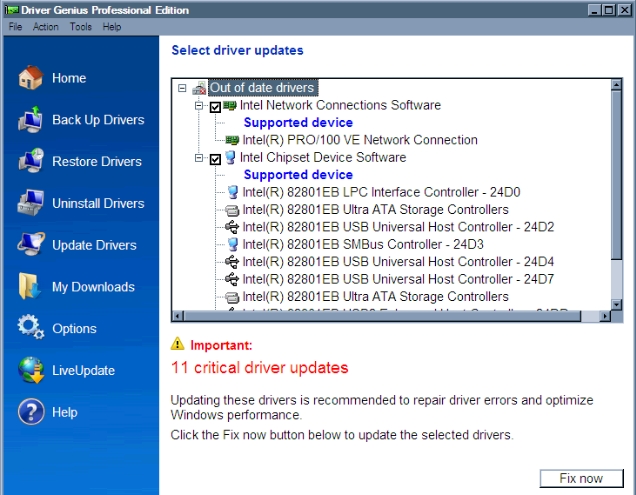
Once the initial scan is completed, the user is then informed what out-of-date drivers have been detected on the system. Even though the device drivers in question aren’t really out of date, we’ll choose to download them regardless of whether or not they will actually be installed later.
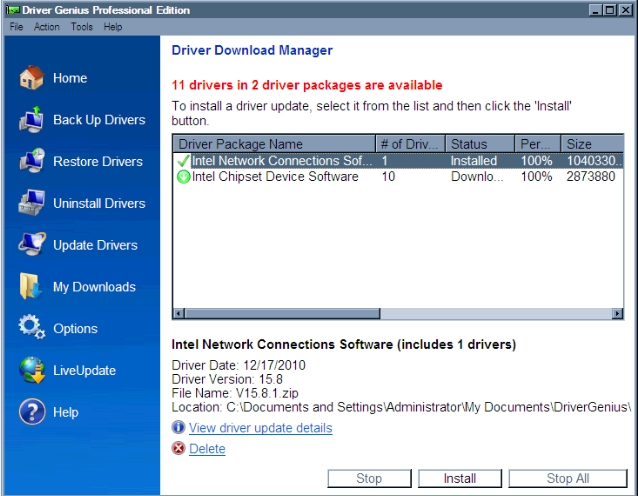
From here, the user can choose to download the drivers individually or all at once. Clicking the information link at the bottom titled “View driver update details” will open a web page for the selected driver. The page contains various details regarding the driver.
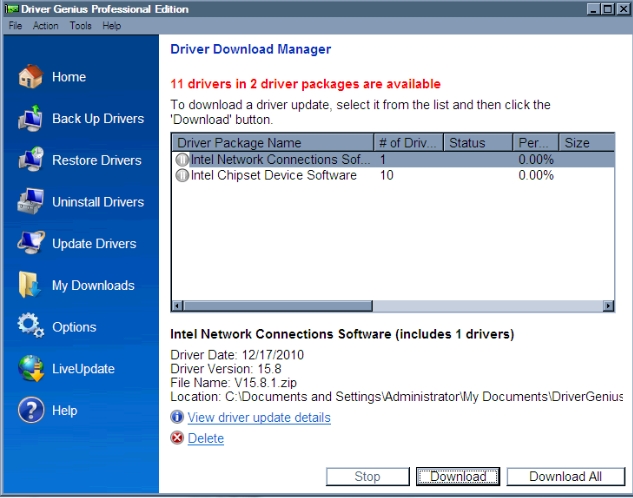
I chose to download both drivers to see what happens. Driver Genius shows the number of drivers in said packages, along with their status, download percentage, and file size.
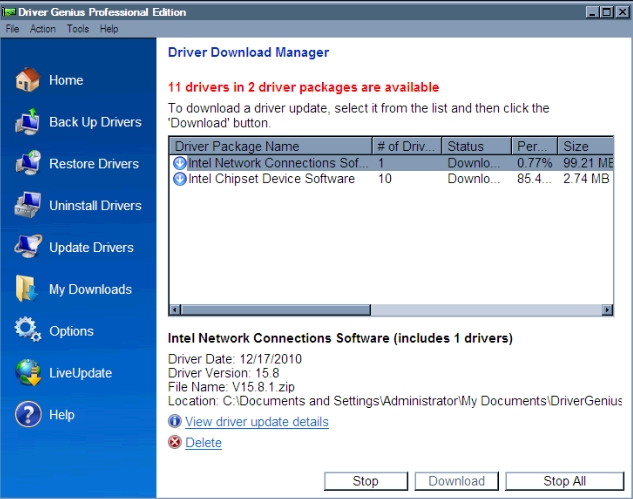
After the download is complete, the user can choose which driver to install at their own perusal.

Once the driver is downloaded and the user installs it, the contents are automatically extracted. This can take anywhere from around a minute or two to several minutes. The Intel Chipset Device Software took a while to extract, however, the installation package was nearly 100MB in size and covered around a dozen different flavors of the windows operating system. From start to finish, this is what one should expect to experience when updating a driver using Driver Genius. Next on the list is to see all of the options on the left-hand side of the screen.
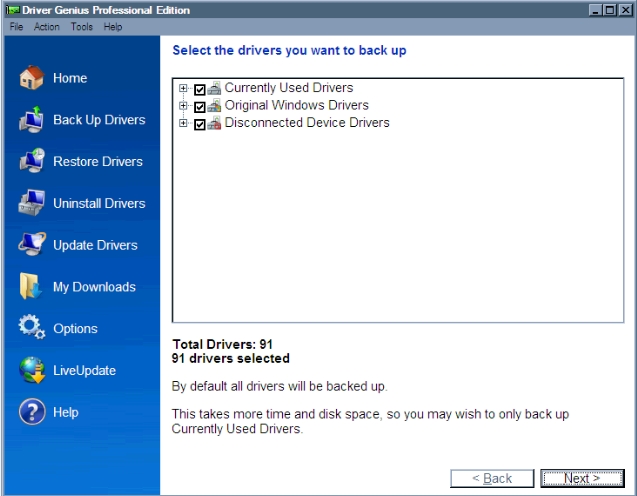
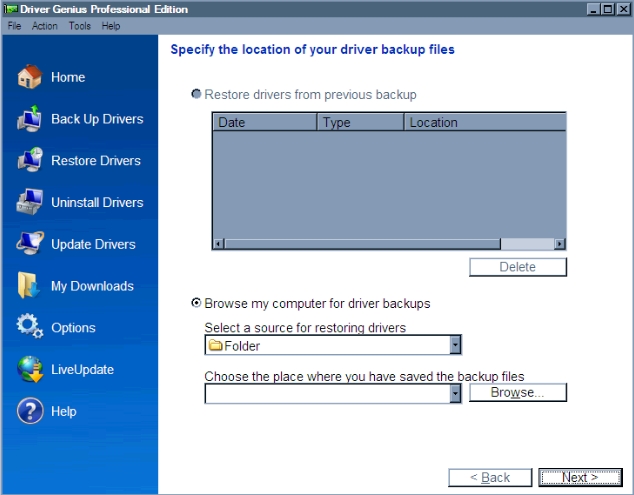
Selecting “Restore Drivers” shows a screen that lets the user either choose to restore the drivers from a previous backup, or to browse a certain location of where the backup might be located.
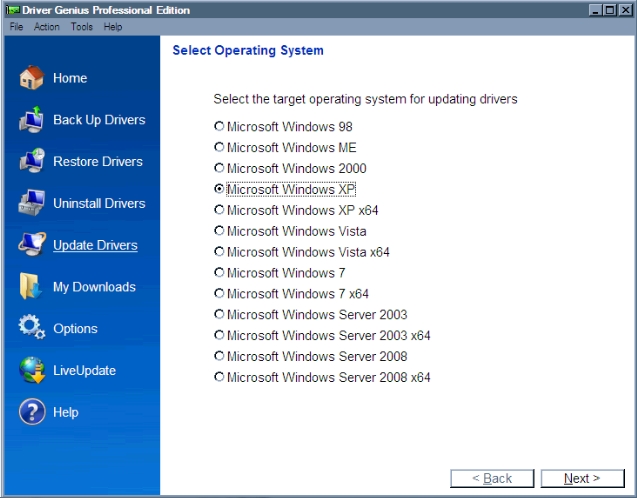
Choosing the “Update Drivers” option allows a more customized selection of which drivers to download for each particular operating system. This would come in quite handy if the user has two or more installs of Windows that require different drivers from one another.
Selecting the “My Downloads” category simply shows which device driver packages were downloaded and/or installed.
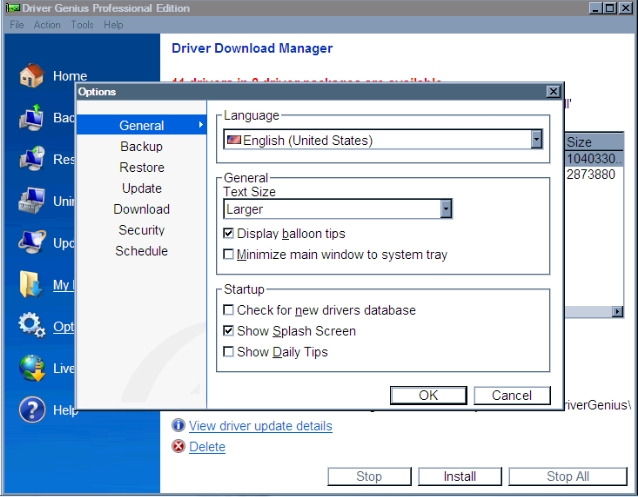
The “Options” menu is designed to change various features of how Driver Genius operates. These range from compression schemes to internet connection and download options to scheduling system scans.
Ease Of Use:
Driver Genius was very easy to use, and had minimal effect on system performance, even during peak processing times.
Summary
Driver Genius has a feel to it that’s designed for all users in mind, regardless of their experience with computer hardware and software. I also found that Driver Genius seemed to generate a lot less false positive “out-of-date” detections than Driver Detective. The reasons for this are varied, but I felt that Driver Genius had a much smoother feel to it.