pctechguide.com

  • Home
  • Guides
  • Tutorials
  • Articles
  • Reviews
  • Glossary
  • Contact

PC Tools File Recover Review

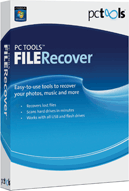
PC Tools file RecoverPC Tools File Recover

PC Tools File Recover is a very good product for data recovery. The price is great and includes 3 licenses with the package. It has even made our top 5 list on data recovery products.

» Download PC Tools File Recover Here

Program: PC Tools File Recover 8

Company: PC Tools

Supported OS: Windows XP, Vista, 7

Price: $29.99 USD (1 Year Subscription, 3 PCs)

Overall Rating: 9 out of 10

What It Does:

PC Tools File Recover 8 is a very easy product to use and a great way to recover lost or deleted files from your media storage centers.

Installation:

Try under 20 seconds for installation- amazing! It also only takes up about 15MB of space on your hard drive.

Details:

While installing, the screen shot below will show. If you are using an unregistered version, you will see a little blip on the button right hand corner, which just lets you know you will need to register this product.
After that screen flicks off, you will see the following one and will be able to choose which scan you want to use. When testing all of them, I found that they all recovered the same files, so I really don’t know why they need three options available for your use.
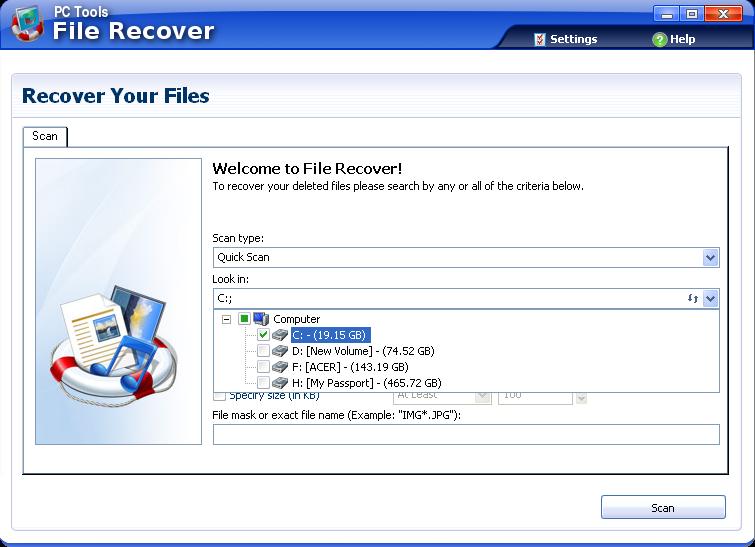
I decided to scan the C Drive, as it’s the smallest.
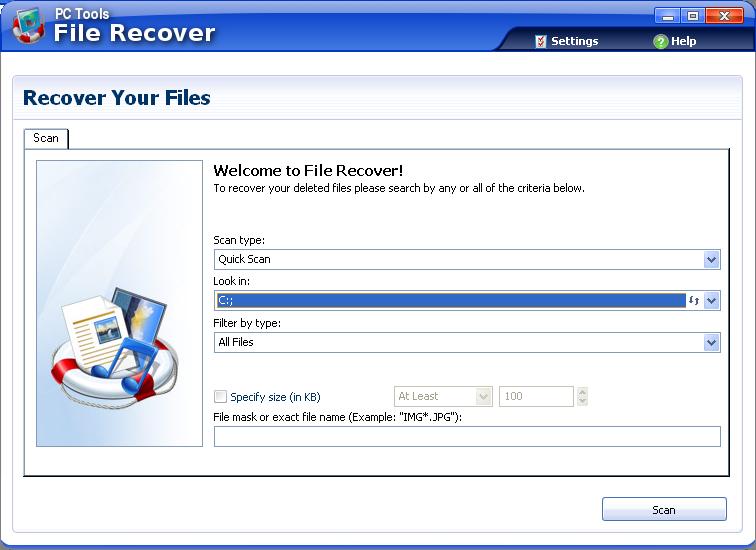
This is what you will see when it starts the initial scan:
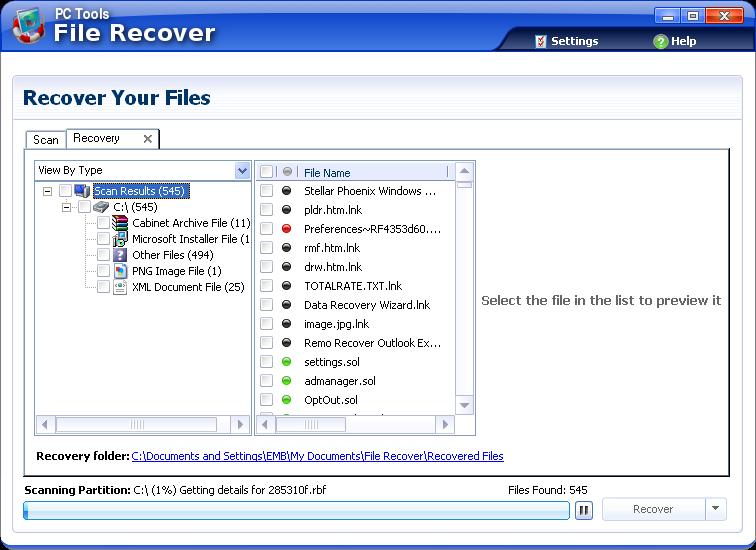
It will list files found as the scan proceeds.
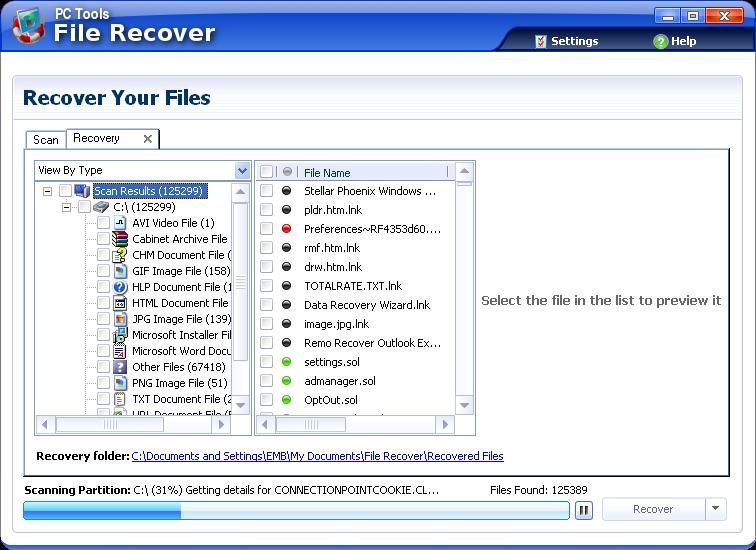
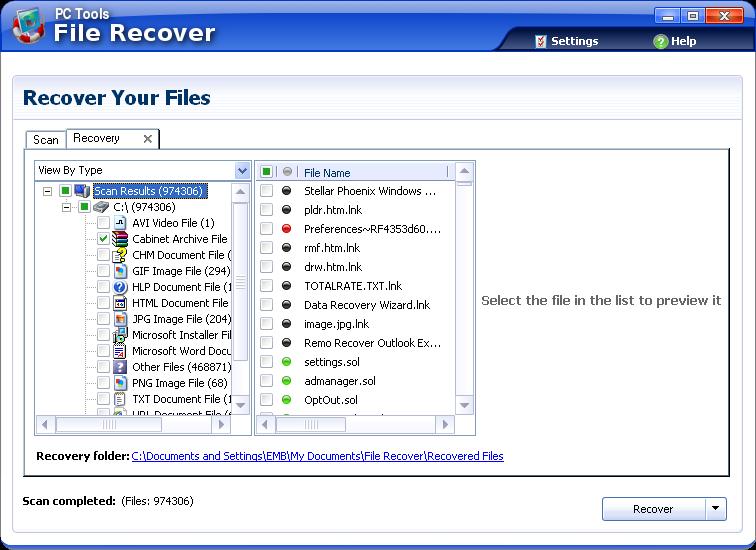
When the scan finished, there was almost one million possible files found. I chose to concentrate on recovering the text files, pictures and archives, because those are the easiest to view for corruption.
File Recover then restores selected files to a set location. I put them in a different drive.
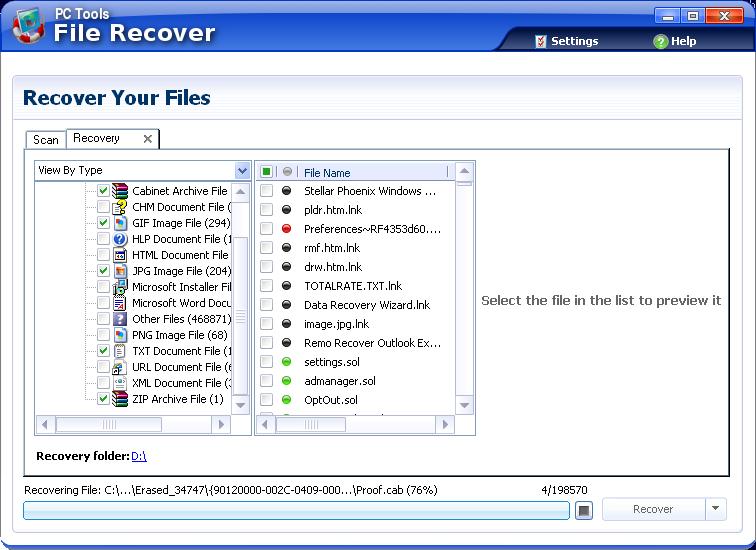
If there is any file corruption detected by PC Tools File Recover, it will notify you.
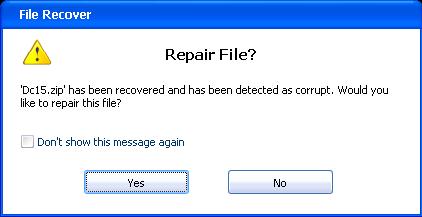
If any files couldn’t be fully restored or recovered, this software will inform you of that. However, at a 95% success rate, I was truly impressed.

If you want more of a selection of options, you can use the “Settings” button on the top right hand of the screen. This will give you more of a set selection of choices.
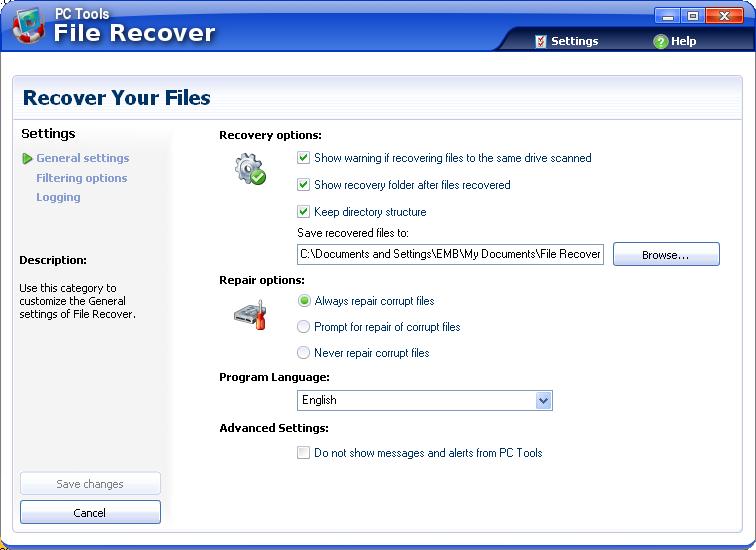
The “Filtering options” will let you choose what types of files you want to scan for or locate.
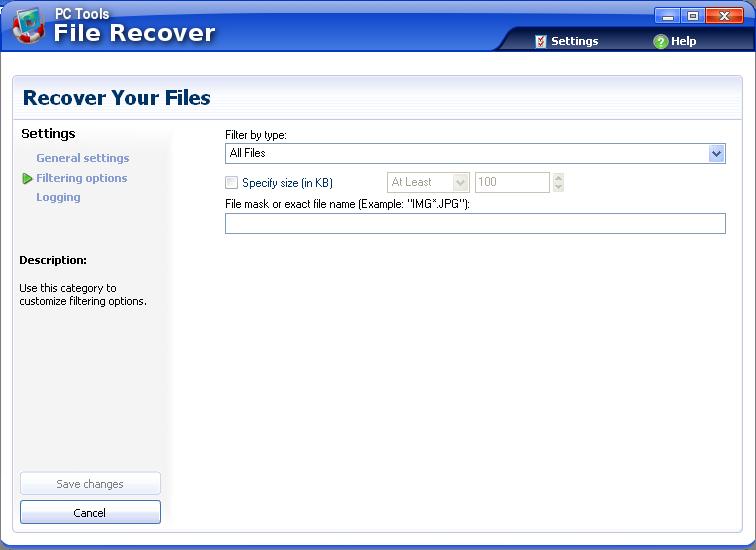
The “Logging Options” will let you log your results.

Ease Of Use:

PC Tools File Recover is a little harder to use than some other products out there, but I do feel it isn’t so hard that someone with minimal knowledge of computers isn’t going to be able to handle it.

Summary:

The installation process for PC Tools File Recover was amazingly fast. I liked the way the system worked and was very happy with the recovery rate. Overall, I would definitely recommend this product to anyone.

PROS:

Great price, easy instal, wonderful recovery rate.

CONS:

Will not scan for lost or deleted partitions.

What To Do Next

Read More Data Recovery Software Reviews or visitor the data recovery home page.

We encourage all users to rate This data recovery program below.  It’s on a 1 – 10 rating scale below.  You may also give the product a thumbs up or down.

Filed Under: Data Recovery Tagged With: data recovery, data recovery programs, data recovery reviews, data recovery software, file recover, pc tools file recover, PC Tools File Recover Review

Latest Articles

CD-RW Installation Connection

As well as configuration jumper blocks, the back of the CD-ReWriter has a number of connectors. Each of these will need to be connected to the appropriate location on the motherboard, or to a motherboard expansion card.   Power connector: Connect a large 4-pin white connector from … [Read More...]

Show Days Until Christmas When Clicking Web Button with Python and JS

Are you looking to create a web application that will tell your visitors how many days until Christmas when they click a button? There are several languages that you can use to do this. One of the easiest languages is JavaScript, but you can also try doing this in Python. This article has programs … [Read More...]

How To Determine if You Have Find Fast Indexer Installed?

You can confirm that the Find Fast Indexer is installed by checking for its associated file set, located in the folder in the topmost level in the hierarchy of indexed folders. So, assuming that the entire :C drive has been indexed, the files will appear in the :C root. Remember, by … [Read More...]

Why Internet Bundles Are the Next Battleground for Gamers

A weak internet connection can turn seamless gaming sessions into frustrating experiences filled with lag, buffering or sudden disconnects. For … [Read More...]

Importance of Inbound Marketing in the Digital Age

A couple of months ago, Zacks reported that Hubspot was starting to make some major changes to its inbound marketing strategy. They talk a lot about … [Read More...]

Damage Control Strategies for Resolving Online PR Crises

Last July, Astrologer faced a major crisis after its CEO went viral at a ColdPlay concert when having an affair. This was just one of the many times a … [Read More...]

AI is Not Killing Computer Jobs Like Doomers Projected

There is no denying the reality that AI technology has played a massive role in disrupting our lives. A growing number of people claim that AI … [Read More...]

Everything You Need to Know About Sourcing Circuit Boards From U.S. Suppliers

In This Article This article includes: Why Source PCBs From the United States?How to Get a Quote From a U.S.-Based PCB ManufacturerThe Top U.S. … [Read More...]

Top Taplio Alternatives in 2025 : Why MagicPost Leads for LinkedIn Posting ?

LinkedIn has become a strong platform for professionals, creators, and businesses to establish authority, grow networks, and elicit engagement. Simple … [Read More...]

Guides

  • Computer Communications
  • Mobile Computing
  • PC Components
  • PC Data Storage
  • PC Input-Output
  • PC Multimedia
  • Processors (CPUs)

Recent Posts

Inkjet Operation

Inkjet printing, like laser printing, is a non-impact method. Ink is emitted from nozzles as they pass over a variety of … [Read More...]

How difficult is it to learn Node.js?

Node.js is considered to be a runtime environment executing JavaScript code outside the browser. In case you need to get acquainted with it a bit … [Read More...]

How to Delete Google Chrome Cookies in Just Five Minutes

There have probably been many instances when you were trying to solve a problem with your Internet connection on your computer and someone … [Read More...]

[footer_backtotop]

Copyright © 2026 About | Privacy | Contact Information | Wrtie For Us | Disclaimer | Copyright License | Authors