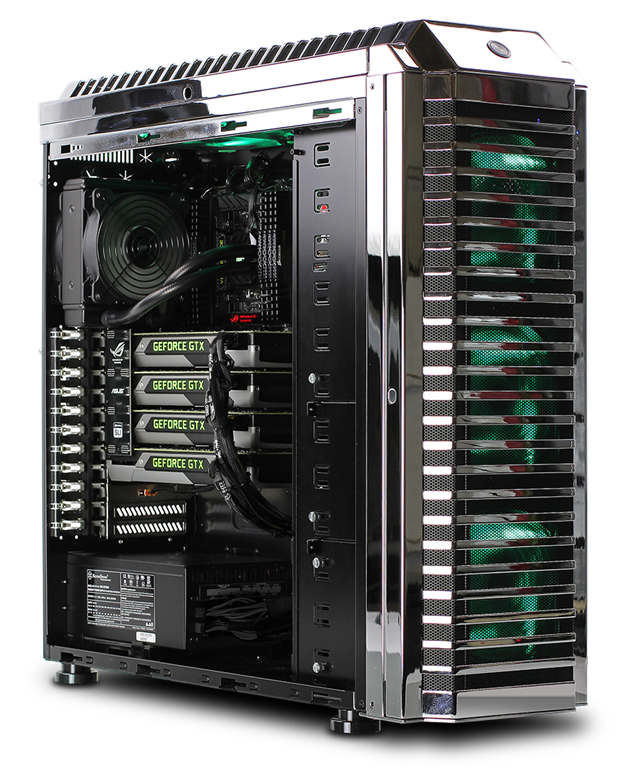
 In this series of articles, we will be discussing ways to keep your computer cool. Heat plays havoc with a computer and can render it useless. Therefore, it is important to keep it cool so it can work at an optimum level and prolong its useful lifespan. If your computer does not have enough cool air flowing through it then you are looking at potential damage to the sensitive pieces of hardware inside the computer. This could mean damaged processors, motherboards, graphic cards, etc.
This article will cover the following topics:
- Air Flow
- Keeping the Computer Clean
- The importance of the CPU Fan
Air Flow is Critical
One of the most important elements to keeping your PC cool is to allow proper air flow inside and out. Therefore, it is best to make sure the unit is not crowded on each side with obstructions. This could include chairs, walls, other computers, etc. You want to make sure that you have a good 3 inches on each side of the computer to allow for proper ventilation. If there is too much clutter around the device then the air will not be able to to flow properly.
Another culprit to bad air flow is to make sure the computer is not in a small room with a closed door for long periods of time. It is understood that sometimes computers need to go behind closed doors. But, if that is necessary then it is important to make sure the room is properly ventilated.
Keep the Computer Clean

Computers have a way of accumulating all kinds of dirt, dust, pet dander and other particulates that can be problematic. Once it gets inside the computer it clings to devices inside the computer as well as the fans.
The fans help keep the air flowing through the machine. They can be found on the case near the power supply, on the processor or various other places depending on the layout of the case. Dirt on the fans doesn’t help them function properly and it just results in more dust finding its way inside the PC.
If you want to clean the dust, you can shut down the power, unplug the machine and remove the cover. You can use specialized electronics vacuums to clean up the dust or use compressed air to blow out the dust. Compressed air is ok to use, but just remember you are basically just blowing the dust elsewhere for it to come back later. I prefer the vacuum route.
Get a Better CPU Fan
 The CPU inside your computer gets hot. The fans in your case cannot do enough to keep it cool so it needs its own dedicated way to keep cool.
Your computer came with a CPU fan, but maybe it would be a good idea to upgrade it if you are having issues with your PC shutting down due to processor overheating. You can find an upgraded fan for your processor and install it pretty easily.
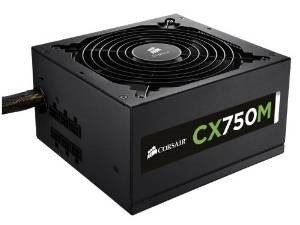
I would check out Amazon for a good choice of Power Supplies.
Stay tuned for part 2 of the article where we will discuss the importance of a closed case and the importance of location for your PC.